


Next.js Migration Without Losing Search Traffic
How to inventory URLs, map permanent redirects, migrate in stages and protect search signals when moving to Next.js.
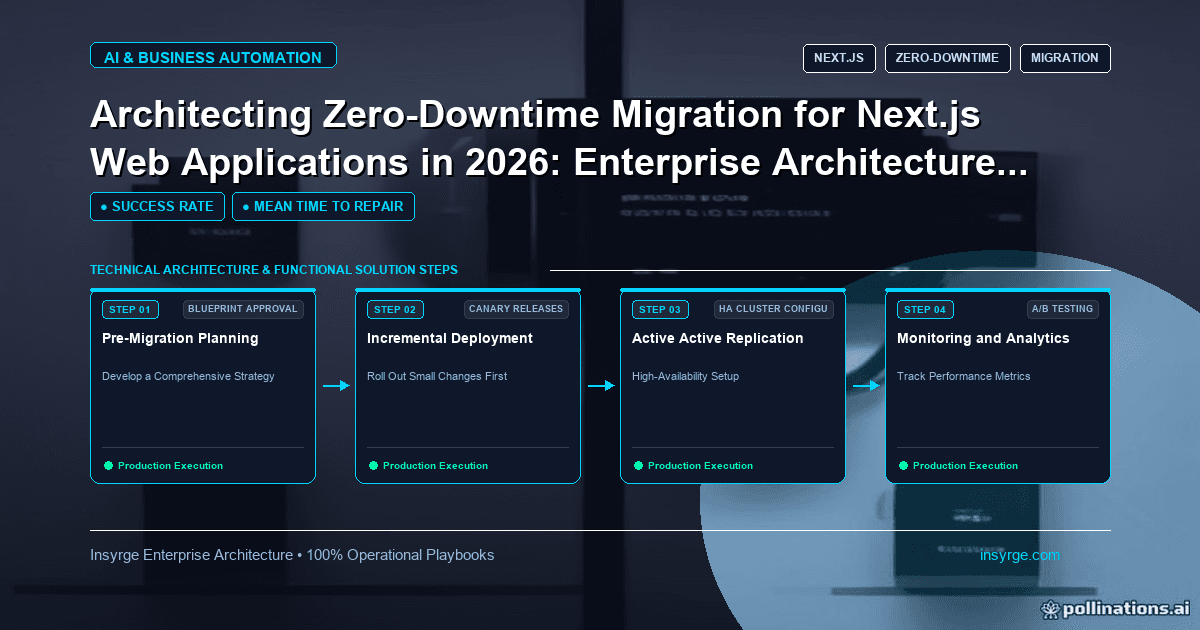
Plan a Next.js migration that keeps rankings: a full URL inventory, 308 redirects with no chains, staged releases and Search Console checks after launch.
Moving a website or web application to Next.js is usually justified by speed, developer experience or the need for features the old platform lacked. The risk is that a technically successful rebuild loses search traffic, breaks old links or changes behaviour users relied on. A Next.js migration done well keeps every valuable URL working, ships in stages rather than one big switch, and is measured before and after. This guide covers planning the URL map, choosing between a full rebuild and an incremental move, handling redirects, protecting search rankings, and releasing without downtime, whether you are moving from another platform or from the Pages Router to the App Router within Next.js.
 Two kinds of Next.js migration
There are two common situations, and they need different plans:
- Platform migration: moving from a CMS theme, a single-page app, or another framework to Next.js. URLs, templates and often the content source change.
- Router migration: moving an existing Next.js application from the Pages Router to the App Router. URLs usually stay the same, but data fetching, layouts and rendering change.
Platform migrations carry most of the search risk. Router migrations carry most of the behavioural risk, such as caching differences or pages that render differently.
Inventory before you build
Start with a list of every URL that matters: pages in the sitemap, pages that receive search traffic, pages linked from other sites, and pages used in campaigns or emails. Analytics and Search Console data show which pages bring visitors. For each URL, record its title, meta description, main heading, canonical URL and structured data.
Include behaviour as well as pages. Forms and where their submissions go, site search, analytics and consent tags, tracking parameters used by campaigns, and any integrations that call the site all need to work afterwards. These are easy to forget because they are not visible in a list of URLs.
That inventory becomes the acceptance test. After migration, each URL should either serve the same content at the same address or redirect permanently to its new home.
Keep URLs where you can
The safest migration keeps URLs unchanged. Next.js file-based routing can reproduce most URL structures, including nested paths and dynamic segments. Resist the temptation to tidy URLs during the same project. Changing the platform and the URL structure at once makes it hard to tell which change caused any traffic drop.
When URLs must change, map every old URL to the most relevant new one. Avoid sending many old pages to the home page; Google's guidance on site moves with URL changes recommends preparing a mapping from current to new URLs and using server-side permanent redirects, such as 301 or 308. The same guidance says permanent redirects do not cause a loss in PageRank and advises avoiding redirect chains.
Redirects in Next.js
Next.js supports redirects in next.config.js. According to the redirects documentation, setting permanent to true uses the 308 status code, which tells clients and search engines to cache the redirect, while false uses the temporary 307 code. Next.js uses 307 and 308 so the request method is preserved.
For large maps, generate the redirect list from your inventory rather than typing it by hand, and test every entry automatically before launch.
Worked example: a redirect map for a platform migration
Suppose a services company moves from an older CMS where blog posts lived under a dated path to Next.js, where they live under /blog. The simplified, untested configuration below shows permanent redirects for a pattern and for individual pages that changed. The paths are placeholders.
// next.config.js (simplified, untested sketch)
module.exports = {
  async redirects() {
    return [
      // Old dated blog paths to the new blog section
      {
        source: '/:year(\\d{4})/:month(\\d{2})/:slug',
        destination: '/blog/:slug',
        permanent: true,
      },
      // Individual pages that were renamed
      { source: '/our-services', destination: '/services', permanent: true },
      { source: '/contact-us', destination: '/contact', permanent: true },
    ]
  },
}
Before launch, a script requests every URL in the inventory and checks that it returns either the expected page or a single permanent redirect to the mapped destination, with no chains.
Migrate incrementally where possible
A big-bang switch puts everything at risk at once. Incremental options reduce that:
- For router migrations, the Next.js App Router migration guide explains that the app directory is designed to work alongside the pages directory, so pages can be moved one at a time.
- For platform migrations, a reverse proxy or rewrites can serve some paths from Next.js and the rest from the old platform, so sections move one by one.
Start with a lower-risk section, measure it, then continue. Our guide to Next.js rendering strategies helps decide how each migrated page should render.
Protect search signals on every page
For each migrated page, check that it keeps:
- The same main content, title and meta description, unless you are deliberately improving them
- A self-referencing canonical tag on the new URL
- Structured data that was present before
- Internal links pointing directly to new URLs, not through redirects
- An updated XML sitemap listing only final URLs
If the content comes from a new source, such as a headless CMS, check that nothing was lost in the content migration. Our guide to headless CMS architecture covers content modelling and SEO-safe moves.
Release without downtime
The switch itself should be uneventful. Deploy the new site alongside the old one, test it on its production domain through a preview address or by limited traffic, and switch traffic at the load balancer or DNS when checks pass. Keep the old platform available for a period so you can switch back if a serious problem appears.
Measure after launch
In the weeks after launch, monitor Search Console for crawl errors and changes in indexed pages, check analytics for traffic by section compared with before, and watch server logs for 404 responses on old URLs. Google's site move guidance notes that a site may be crawled more heavily than usual after a migration, so make sure hosting can handle the extra load. Fix missing redirects quickly; each one is a page that was working before.
Common mistakes in Next.js migrations
- Changing URL structure and platform in one release
- Redirecting many old pages to the home page
- Redirect chains left from earlier migrations
- Missing titles, canonicals or structured data on rebuilt pages
- Internal links still pointing at old URLs
- No baseline of traffic and rankings before launch
Frequently Asked Questions
How do you migrate to Next.js without losing SEO?
Keep URLs where possible, map every changed URL to its closest new page with a permanent redirect, preserve titles, canonicals and structured data, update the sitemap and monitor Search Console after launch.
What redirect status code does Next.js use?
According to the Next.js documentation, permanent redirects in next.config.js use 308 and temporary ones use 307, to preserve the request method.
Can the Pages Router and App Router run together?
Yes. The Next.js migration guide explains that the app directory is designed to work alongside the pages directory, allowing page-by-page migration.
Should a migration be done all at once?
It is safer to migrate in sections, measuring each, either by moving routes one at a time or by serving some paths from the new site through a proxy.
Move to Next.js without losing ground
We plan and deliver Next.js migrations with URL maps, redirect testing and staged releases. See our custom app development services, or talk to us about your migration.
About the Author
Manav Sharma is the founder of Insyrge and a CRM solutions architect. He works across Zoho, Salesforce, HubSpot, Odoo and more, designing the CRM setups, integrations and automations that keep sales and operations teams working from the same data.
Need Help Implementing This in Your Business?
Our certified Zoho consultants and automation experts can help you design and deploy custom workflows tailored to your operations.
Book Free Consultation