Overview
Overview
Zoho WorkDrive Integration for Zoho CRM — Long Description
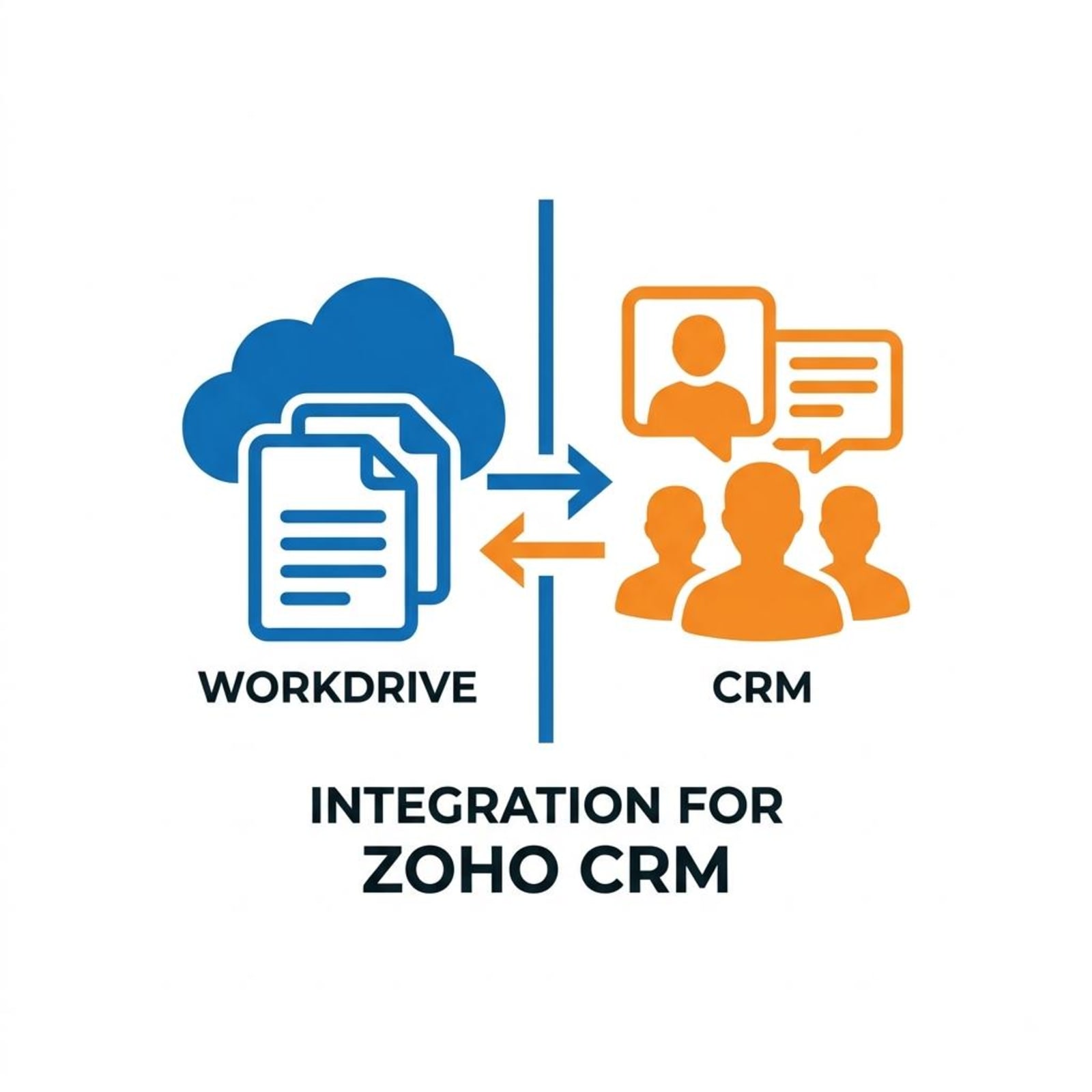
Zoho WorkDrive Integration for Zoho CRM seamlessly connects your Zoho CRM records with Zoho WorkDrive, making it easier to organize, manage, and access documents associated with your customers, leads, accounts, and deals.
The extension automatically creates a dedicated WorkDrive folder whenever a new record is created in the supported Zoho CRM modules. Currently, the extension supports Leads, Contacts, Accounts, and Deals.
Once the extension is installed and authorized with Zoho WorkDrive, the required integration fields are automatically added to the supported CRM modules. When a new CRM record is created, the extension automatically creates a folder using the record's name within the appropriate module folder in Zoho WorkDrive.
For example, if you create a Lead named John Smith, the extension automatically creates a folder structure similar to:
Zoho CRM - WorkDrive
└── Leads
    └── John Smith
The corresponding WorkDrive Folder ID and WorkDrive Folder URL are then automatically updated in the CRM record. Users can simply click the WorkDrive Folder URL from the CRM record to open the associated folder directly in Zoho WorkDrive.
How It Works
The extension follows a simple automated workflow:
Install Extension → Authorize Zoho WorkDrive → Create CRM Record → Automatically Create WorkDrive Folder → Update CRM with Folder ID & URL → Access Folder Directly from CRM
This provides a seamless connection between your customer data in Zoho CRM and your documents in Zoho WorkDrive.
Whether your team needs to manage customer documents, sales materials, account files, or deal-related documentation, Zoho WorkDrive Integration for Zoho CRM helps keep everything organized, accessible, and connected—without requiring users to manually maintain the CRM-to-WorkDrive relationship.