

Microsoft Dynamics 365 Consulting
Implementation and automation of Dynamics 365 Sales and Customer Service, using Power Automate and Copilot.
- Bilateral NDA protected
- 100% client code & IP ownership
- 2–4 week agile sprints
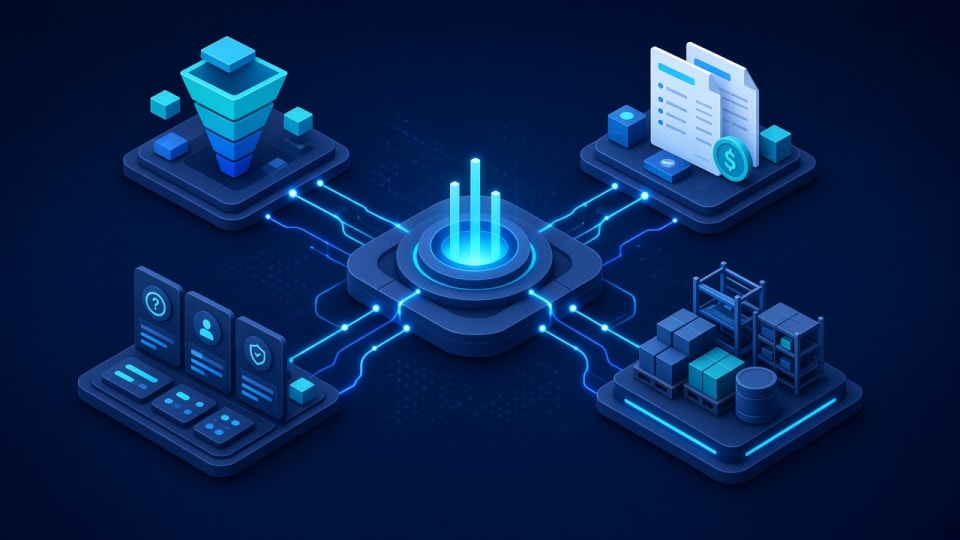
Microsoft Dynamics 365 Consulting: key facts
- What it is
- Insyrge implements and automates Microsoft Dynamics 365 Sales and Customer Service, using Power Automate for workflows and Copilot for AI assistance, and migrates data from other CRMs.
- Who it is for
- Organisations standardised on Microsoft 365 that want a CRM in the same ecosystem; Teams running Dynamics 365 that need it reconfigured or automated.
- Main deliverables
- Solution design, Sales and Customer Service setup, Power Automate flows, Copilot configuration, Data migration.
- Works with
- Outlook, Teams, Power Platform, ERP and accounting, marketing tools and other CRMs.
- How it starts
- A free 45-minute discovery call, then a written scope agreed before any build starts.
- Ownership
- You own the code, configuration and documentation. Ongoing support is optional.
Who it is for and the problems it solves
Who it is for
- Organisations standardised on Microsoft 365 that want a CRM in the same ecosystem
- Teams running Dynamics 365 that need it reconfigured or automated
- Businesses moving to Dynamics 365 from another CRM
Problems it solves
- Sales and service teams work in Outlook and Teams, but customer data is elsewhere
- Dynamics 365 was set up with default forms and processes that do not fit
- Manual steps remain because Power Automate flows were never built
- Copilot is licensed but not configured for your data
What you get
Tested deliverables, included in this service
Clear milestones agreed in writing, with the code and configuration handed over to you.
- 01
D365 Sales and Customer Service setup
- 02
Power Automate flows
- 03
Copilot for Dynamics 365 configuration
- 04
Migration from other CRMs
What each deliverable includes
- Solution design
- Tables, forms, views, business process flows and security roles agreed in writing.
- Sales and Customer Service setup
- Apps configured for your pipeline and case process.
- Power Automate flows
- Automation across Dynamics 365, Outlook, Teams and other systems.
- Copilot configuration
- Copilot features enabled and configured where they fit.
- Data migration
- Data moved from your previous CRM and reconciled.
- Training and documentation
- Role-based training and admin guides.
The process
How an engagement runs
Scope and deliverables are agreed before any build starts.
- Step 01
Discovery
We review your goals, current setup and the tools involved.
- Step 02
Plan
Scope, deliverables and timeline agreed in writing before work starts.
- Step 03
Build and test
The solution is configured, checked against real scenarios.
- Step 04
Handover
Documentation and training so your team can run it day to day.
Typical timeline and what you receive at each phase
- Phase 01
Discovery call
Your current process, systems, data sources and users reviewed.
- Phase 02
Blueprint sign-off
A written design of configuration, automations, integrations and data migration.
- Phase 03
Build in sprints
Configuration and automation delivered in agile sprints, each demonstrated and tested.
- Phase 04
Go-live and handover
Data import, role-based training, documentation and an agreed support option.
Durations depend on scope and are set in the written proposal. Build work runs in 2–4 week sprints.
Platforms & capabilities
Tech this service works with
- Microsoft Dynamics 365
- Power Automate
- Copilot
- Workflow automation
- Data migration
Typical integrations
Outlook and Teams
Emails, meetings and collaboration on the record.
Power Platform
Power Automate and Power BI.
ERP and accounting
Customer, order and invoice data.
Marketing tools
Lead and campaign data.
Other CRMs
Migration sources.
Questions about Microsoft Dynamics 365 Consulting
Still unsure? Email info@insyrge.com
What is the difference between Dynamics 365 Sales and Customer Service?
Sales manages leads, opportunities and forecasting; Customer Service manages cases, queues and service levels. Many organisations use both on the same customer data.
What is Power Automate used for in Dynamics 365?
It runs automated flows such as approvals, notifications and record updates across Dynamics 365, Microsoft 365 and other connected systems.
Can you configure Copilot for Dynamics 365?
Yes. We enable and configure Copilot features relevant to your process, such as summaries and email drafting, subject to your licensing.
Can you migrate to Dynamics 365 from another CRM?
Yes. We map data, migrate it in test cycles and reconcile record counts at cutover.
Do you integrate Dynamics 365 with non-Microsoft systems?
Yes, through connectors and APIs, with error handling and logging.
Do we own the configuration?
Yes. It lives in your environment and is documented.
How do we start?
Book a free 45-minute call to review your environment and goals.
Related services
More in CRM & ERP platforms
- Zoho CRM
CRM Implementation
A written blueprint before build: modules, fields, stages and automations for teams that have outgrown spreadsheets.
View service - Automation
CRM Automation & Workflow Engineering
Deluge workflows, scheduled triggers and webhooks that take repetitive data entry off your team.
View service - Zoho One
Zoho One Consulting
45+ business apps for sales, finance and operations, architected and set up as one cohesive operating system.
View service