

AI Agent Development
We build Gen AI agents that do multi-step work for you: they answer enquiries, update CRM records, route tickets and hand off to a person when needed.
- Bilateral NDA protected
- 100% client code & IP ownership
- 2–4 week agile sprints
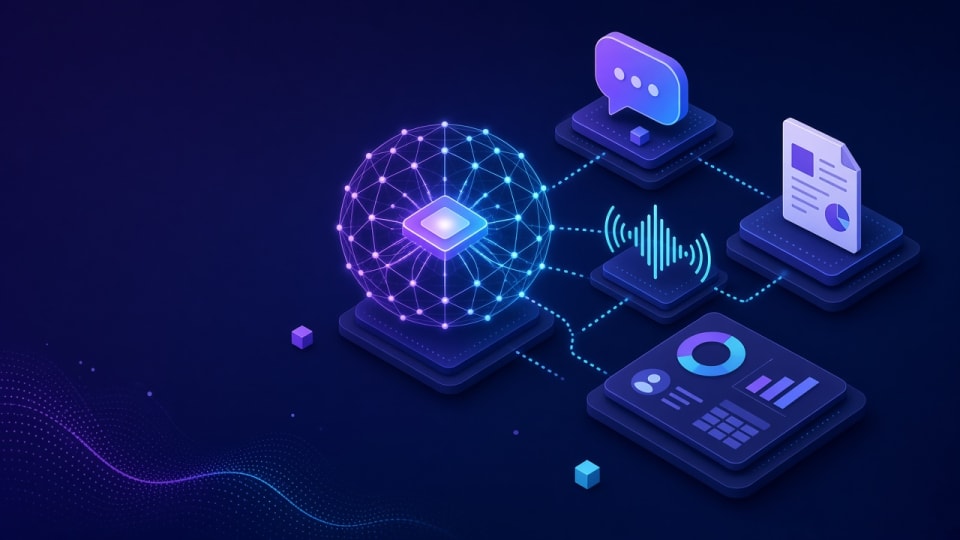
AI Agent Development: key facts
- What it is
- Insyrge designs and builds AI agents that carry out multi-step work in sales, support and operations, such as answering enquiries, updating CRM records and routing tickets, with a person approving anything risky.
- Who it is for
- Sales and support teams that spend hours on repetitive triage, data entry and follow-up; Operations teams with rule-heavy processes that span several systems.
- Main deliverables
- Agent design document, Working agents, Guardrails and approvals, Logging and monitoring, Test suite.
- Works with
- Your CRM, email, helpdesk, chat channels and document stores, through their APIs.
- How it starts
- A free 45-minute discovery call, then a written scope agreed before any build starts.
- Ownership
- You own the code, configuration and documentation. Ongoing support is optional.
Who it is for and the problems it solves
Who it is for
- Sales and support teams that spend hours on repetitive triage, data entry and follow-up
- Operations teams with rule-heavy processes that span several systems
- Businesses that tried a generic chatbot and need something that can actually take actions
Problems it solves
- Enquiries wait in a shared inbox until someone has time to read, classify and assign them
- Staff copy the same details between email, CRM and helpdesk several times a day
- Off-the-shelf AI tools answer questions but cannot update records or trigger the next step
- There is no audit trail of what an automated step did or why
What you get
Tested deliverables, included in this service
Clear milestones agreed in writing, with the code and configuration handed over to you.
- 01
Agents for sales, support and operations, connected to your CRM
- 02
Multi-agent orchestration for task delegation
- 03
Guardrails, logging and human approval steps
- 04
You own the code. Support is optional
What each deliverable includes
- Agent design document
- The tasks the agent owns, the tools it may call, the data it can read and the points where a person must approve.
- Working agents
- Agents connected to your CRM, email and helpdesk through their APIs, deployed in your own cloud or account.
- Guardrails and approvals
- Allow-lists of actions, input and output checks, spending limits and human approval steps for sensitive changes.
- Logging and monitoring
- A log of every agent run: input, decisions, tool calls and result, so you can review and correct behaviour.
- Test suite
- Scenario tests built from real examples, re-run before every change.
- Runbook and handover
- Documentation, prompts and source code handed to your team.
The process
How an engagement runs
Scope and deliverables are agreed before any build starts.
- Step 01
Discovery
We review your goals, current setup and the tools involved.
- Step 02
Plan
Scope, deliverables and timeline agreed in writing before work starts.
- Step 03
Build and test
The solution is configured, checked against real scenarios.
- Step 04
Handover
Documentation and training so your team can run it day to day.
Typical timeline and what you receive at each phase
- Phase 01
Discovery call
A list of candidate tasks, the systems involved and the data the AI may use.
- Phase 02
Written scope
Tasks, guardrails, approval points, test cases and how success is measured, agreed before build.
- Phase 03
Pilot build
Working version connected to your systems in a test environment, checked against real examples.
- Phase 04
Launch and tune
Live use with logging; prompts and rules tuned with you, then code and documentation handed over.
Durations depend on scope and are set in the written proposal. Build work runs in 2–4 week sprints.
Platforms & capabilities
Tech this service works with
- CRM
- Ticketing
Typical integrations
CRM
Read and update leads, contacts, deals and tasks; log every action on the record.
Email and calendar
Read incoming mail, draft replies and book meetings.
Helpdesk and ticketing
Classify, route and close tickets, and escalate with full context.
Documents and knowledge bases
Retrieve policies, price lists and product information to ground answers.
Chat channels
Website chat, WhatsApp or team chat as the entry point for requests.
Accounting and ERP
Look up invoices, orders and stock before replying.
Questions about AI Agent Development
Still unsure? Email info@insyrge.com
What is the difference between an AI agent and a chatbot?
A chatbot mainly answers questions. An AI agent can also take actions: it calls tools such as your CRM or helpdesk API, updates records and decides the next step, within limits you set.
Which tasks are a good fit for an AI agent?
Repetitive, rule-guided work with a clear outcome: triaging enquiries, qualifying leads, updating records after calls, routing tickets and preparing documents. Tasks that need judgement on high-value decisions keep a human approval step.
How do you stop an agent from doing something wrong?
Each agent has an allow-list of actions, validation on inputs and outputs, and approval gates for sensitive changes. Every run is logged, so mistakes can be traced and the rules tightened.
Can agents work with the CRM we already use?
Yes. Agents connect through the CRM's API, so they work with the system you already run rather than requiring a new one.
Where does our data go?
Agents run in infrastructure you control, and we choose model providers and settings with your data policies in mind. We document which data each agent reads and sends.
Do we own the agents you build?
Yes. You receive the source code, prompts, configuration and documentation. Ongoing support is optional.
How do we start?
Book a free 45-minute call. We pick one process, map it step by step and send a written scope before any build starts.
Related services
More in Gen AI
- Chat · Voice
AI Chatbots & Voice Agents
Website, WhatsApp and phone agents that answer, qualify leads and book meetings 24/7, logging every conversation in your CRM.
View service - LLM-in-CRM
LLM & OpenAI Integration for CRM
OpenAI and other LLMs inside HubSpot Breeze, Salesforce Agentforce, Copilot for Dynamics 365 or a custom API.
View service - RAG
RAG Knowledge Bots
Internal and customer-facing bots that answer from your documents, help-centre and CRM data, with sources cited.
View service