Timeline Pro For Zoho CRM Records

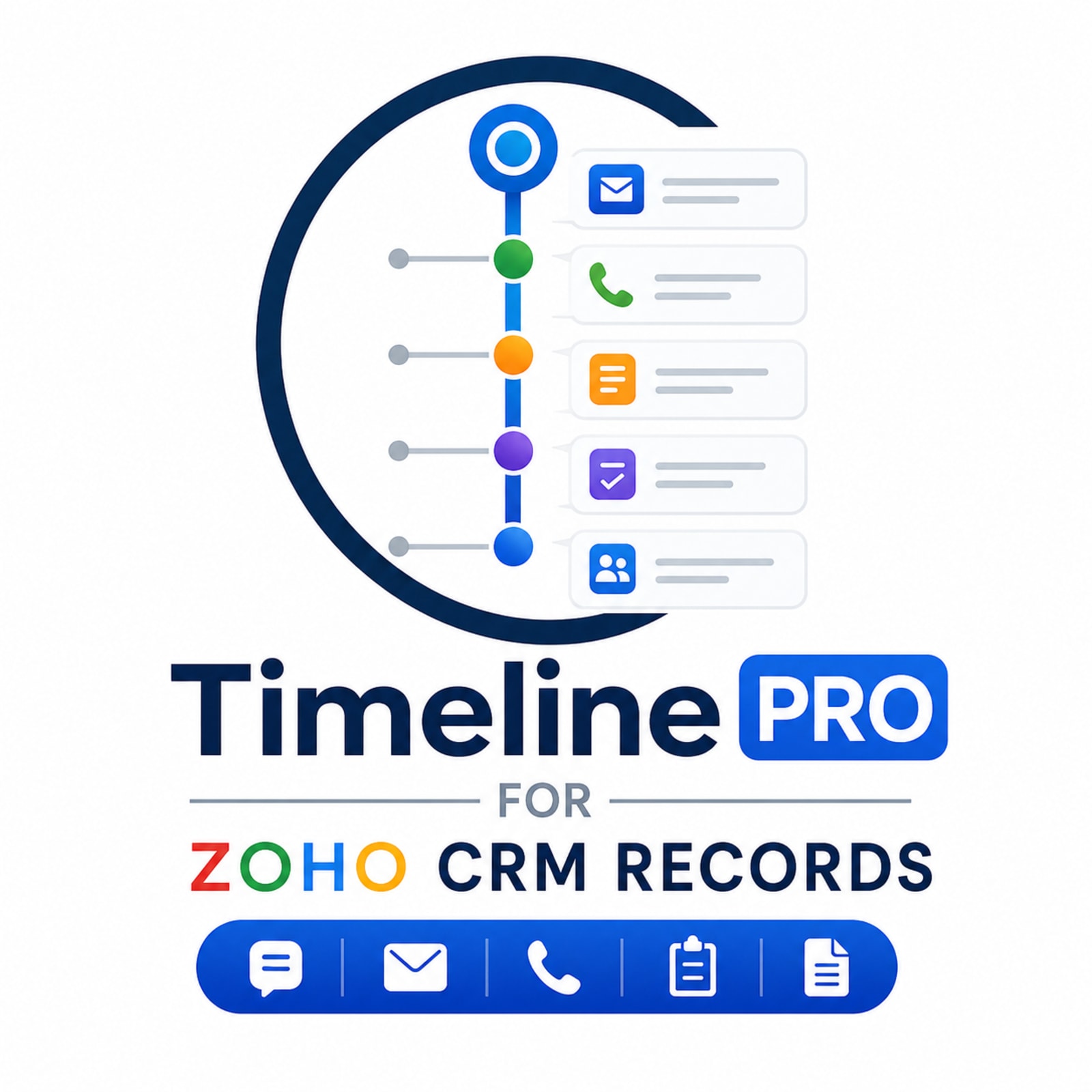
See emails, calls, notes and field changes on one Zoho CRM timeline. Timeline Pro is an Insyrge Zoho Marketplace extension.

Timeline Pro For Zoho CRM Records

Overview

Overview

Timeline Pro for Zoho CRM Records gives your team complete visibility into everything that happens on a CRM record through a powerful, centralized timeline interface.

Zoho CRM records often contain valuable information spread across multiple sections, including emails, notes, calls, meetings, tasks, attachments, workflow executions, field updates, and automation activities. Finding and understanding the complete history of a record can be time-consuming and inefficient.

Timeline Pro solves this challenge by bringing every important activity into a single chronological timeline, allowing users to instantly understand the full lifecycle of a record without navigating between multiple CRM tabs and related lists.

The extension automatically captures and displays record activities such as emails, calls, meetings, notes, tasks, attachments, field changes, workflow executions, custom function updates, Deluge activities, CRM API actions, and other system-generated events. Every interaction is presented in a clear and organized timeline that makes it easy to review past actions and understand how a record has evolved over time.

Users can view detailed field-level change history, including previous and updated values, helping teams track important record modifications and maintain complete accountability. The timeline also identifies the source of changes, whether they were made manually by users, through workflows, custom functions, automation rules, imports, APIs, or other CRM processes.

Advanced search and filtering capabilities allow users to quickly find specific activities based on activity type, user, time period, or source. Whether you're looking for a recently uploaded document, a workflow-triggered update, a customer email, or a field modification, Timeline Pro makes it easy to locate the information you need.

Timeline Pro supports multiple Zoho CRM modules and helps sales teams, customer service representatives, managers, and CRM administrators gain complete visibility into customer interactions and record activity. By providing a single source of truth for record history, the extension improves collaboration, reduces investigation time, enhances accountability, and helps teams make better decisions based on complete historical context.
Features

Key features

What Timeline Pro For Zoho CRM Records adds to Zoho CRM.

  • 01

    Complete Activity Timeline

    View all CRM activities related to a record in a single chronological timeline, eliminating the need to navigate through multiple tabs and related lists.

  • 02

    Unified Record History

    Get a complete view of a record’s journey by consolidating emails, calls, meetings, notes, tasks, attachments, and updates into one centralized feed.

  • 03

    Field Change Tracking

    Track record modifications with detailed before-and-after values, making it easy to understand exactly what changed and when.

  • 04

    User Activity Monitoring

    Identify who performed each action, helping teams maintain accountability and visibility across record activities.

  • 05

    Email Activity Tracking

    View sent and received email activities directly within the timeline, providing complete communication history for every record.

  • 06

    Call & Meeting History

    Monitor customer interactions through logged calls and meetings without leaving the timeline view.

  • 07

    CRM API Activity Tracking

    See updates made through integrations, APIs, and external systems connected to Zoho CRM.

  • 08

    Powerful Search Functionality

    Search timeline entries instantly to locate specific activities, communications, updates, or attachments.

Benefits at a Glance

  • Save Time Finding Record History

    Access all customer interactions, updates, activities, and changes from a single timeline instead of navigating through multiple CRM sections.

  • Get Complete Customer Context

    Understand the full journey of a lead, contact, account, or deal before engaging with customers, helping teams make more informed decisions.

  • Improve Team Productivity

    Reduce the time spent searching for emails, notes, calls, tasks, and updates so teams can focus on selling, supporting, and serving customers.

  • Enhance Team Collaboration

    Provide sales, support, operations, and management teams with a shared view of record history, ensuring everyone stays aligned.

  • Simplify CRM Auditing

    Maintain a complete historical record of activities, field changes, and automation events for auditing and compliance purposes.

  • Monitor Workflow Performance

    Gain visibility into workflow executions, automation rules, custom functions, and system-generated activities to ensure processes run smoothly.

  • Troubleshoot Faster

    Quickly identify the source of record changes and automation actions, making it easier to diagnose issues and resolve problems.

  • Gain Better Visibility into CRM Activity

    Track every significant action associated with a record, including emails, calls, meetings, notes, attachments, and field updates.

  • Maximize CRM Adoption

    Make CRM information easier to access and understand, encouraging users to rely on CRM as their primary source of customer intelligence.

How it works

Live in three steps

  1. 01

    Install from Zoho Marketplace

    Open the official listing and install the extension into your Zoho CRM organisation.

    Marketplace listing ↗
  2. 02

    Configure it

    An administrator sets up permissions, modules and options following the admin guide.

    Admin guide →
  3. 03

    Use it inside Zoho CRM

    Your team works from the CRM records they already use, with no switching between apps.

    User guide →

FAQ

Frequently asked questions

Full help document
Does Timeline Pro modify CRM records?

No.

Timeline Pro is a read-only activity tracking extension and does not modify CRM data.

Can users see activities they do not have access to?

No.

Timeline Pro respects Zoho CRM permissions and only displays activities users are authorized to access.

Can I see who changed a record?

Yes.

Timeline Pro displays the user responsible for each activity, update, or modification.

Does Timeline Pro support CRM automation tracking?

Yes.

The extension tracks workflow executions, custom functions, API updates, imports, and other automation activities.

Why can't I see some activities?

Possible reasons include:

Refreshing the page usually resolves temporary display issues.

  • User permission restrictions
  • No activities exist for the record
  • Activity type is not available for that record
  • CRM synchronization delay
Can I export timeline data?

Export capabilities depend on the current version of the extension and CRM permissions.

Please contact support for specific export requirements.

Related extensions

More from Insyrge

All extensions