


Deluge Version Control: Track Script Changes
How to keep Zoho Deluge scripts in Git, review changes before release and roll back safely when a function misbehaves.
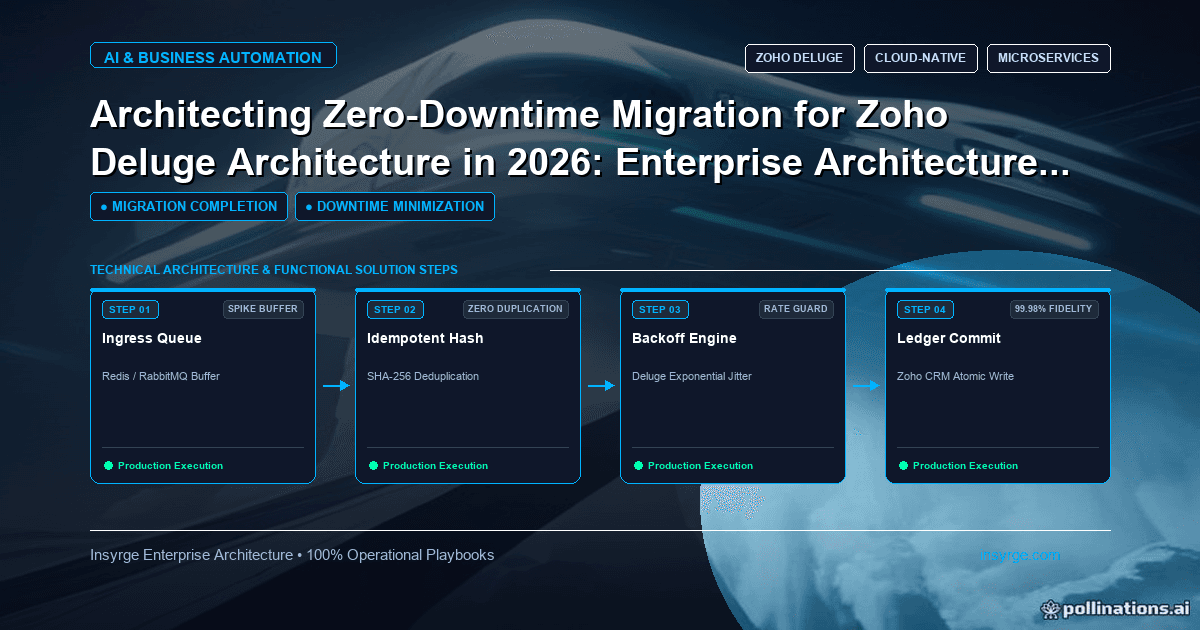
Set up Deluge version control: export scripts to a Git repository, review changes before release, tag what is live and keep a tested rollback path.
Deluge scripts often live only inside Zoho. Someone opens a function, makes a change, saves it and the old version is gone. When something breaks the next morning, nobody can say exactly what changed, who changed it or what the script looked like before. Deluge version control solves this by keeping a copy of every script in a version control system such as Git, alongside a simple process for reviewing changes before they go live and rolling back when needed. It does not require a large engineering team. Even a small business with a handful of functions benefits from knowing what changed and being able to restore a working version. This guide explains how to set it up and keep it running.
 Why Deluge version control matters
Without version control, Deluge changes carry hidden risks:
- No history of who changed what and when
- No easy way to compare the current script with the last working version
- No review step before changes reach live business processes
- Lost work when two people edit the same function
- Slow recovery when a change breaks a workflow
The Git documentation describes version control as a system that records changes to a file or set of files over time so that you can recall specific versions later (Git: About version control). That is exactly what Deluge scripts need.
Decide what to track
Start with the scripts that matter most:
- Custom functions triggered by workflow rules or buttons
- Scheduled functions that process records in bulk
- Functions that call external APIs or move data between systems
- Scripts used in other Zoho apps that support your CRM processes
Also record related configuration in plain text where possible, such as which workflow rule triggers each function, which connection it uses and which fields it updates. Configuration changes cause as many problems as code changes.
Set up a simple repository
Create a private Git repository, hosted wherever your organisation keeps code. Organise it so files are easy to find:
- One folder per Zoho app or CRM module
- One file per function, named to match the function name in Zoho
- A short README describing the folder structure and process
- A record of each function's trigger, owner and purpose
Keep credentials out of the repository entirely. Deluge connections handle authentication inside Zoho, so scripts should not contain secrets; if any do, remove them before committing and rotate the exposed credentials.
Capture the current state first
Before changing anything, copy every tracked script from Zoho into the repository as it is today and commit it as the baseline. This gives you a known starting point. If you find scripts nobody recognises, note them for review rather than deleting them straight away.
Agree a change process
A lightweight process keeps changes safe without slowing work:
- Make the change in a test environment or sandbox where your edition offers one
- Copy the updated script into the repository on a separate branch
- Ask a colleague to review the difference
- Test the change against agreed test records
- Merge the branch and apply the change in production
- Tag or note the version now live
For very small teams, the reviewer can be the same person a day later, reading the change with fresh eyes. The key is that changes are recorded and checked before they go live.
Write useful commit messages
Each commit should explain why the change was made, not just what changed. "Skip deals without closing date, requested by finance" is far more useful than "update script". Reference any ticket or request so the history connects to business reasons.
Worked example: a release record
The table below is a hypothetical release record for a set of Deluge functions. It shows the kind of information worth keeping, not a required format.
FunctionChangeReasonReviewed byLive version tagRollback plansync_won_deal_to_booksAdded check for missing accountErrors on deals without accountsSecond administratorrelease-14Restore release-13 filecalculate_deal_marginChanged rounding to two decimalsFinance reporting requestFinance analystrelease-14Restore release-13 filenightly_contact_cleanupReduced batch sizeHitting limits on busy nightsSecond administratorrelease-15Restore release-14 file
Keep Zoho and the repository in step
The biggest risk is drift: someone edits a script directly in Zoho and the repository no longer matches what is live. Reduce this by:
- Agreeing that every change goes through the repository first
- Limiting who can edit functions in production
- Periodically comparing live scripts with the repository and investigating differences
- Treating any unrecorded change as something to review, not to ignore
Agree who can change what
Version control works alongside access control. Decide who may edit functions in production, who may approve changes and who may only view scripts. Keep the list of people with production edit rights short, and review it when roles change or staff leave. In the repository, protect the main branch so changes arrive through reviewed merges rather than direct pushes. These simple rules make the history trustworthy, because every change that reached production has a matching, reviewed record.
Plan rollbacks
When a change causes problems, the fastest fix is often to restore the previous version. Keep the last working version easy to find through tags or release notes, and make sure more than one person knows how to restore it. Test rollbacks occasionally, especially for critical functions. Remember that rolling back code does not undo data changes the faulty version already made; plan how to identify and correct affected records.
Use sandboxes where available
Testing changes against live data is risky. Where your Zoho edition provides a sandbox, use it to try changes before production. Our guide to Zoho CRM sandboxes covers how to use them for testing configuration and code.
Combine version control with good scripting habits
Version control works best when scripts are well structured: short functions, clear names, error handling and comments explaining why. Our guide to Deluge best practices covers these habits in detail.
Review the history regularly
Look through recent changes every few months. Patterns, such as one function changing constantly, can show where logic is fragile or requirements are unclear. Use the history to guide refactoring and documentation, and to brief new team members on how the scripts evolved and why.
Frequently Asked Questions
What is Deluge version control?
It is the practice of keeping copies of Deluge scripts in a version control system such as Git, so every change is recorded and earlier versions can be restored.
Does Deluge version control need a large team?
No. Even one administrator benefits from a history of changes, a simple review step and an easy way to restore a working version.
How do you stop live scripts drifting from the repository?
Route every change through the repository first, limit who can edit production functions and compare live scripts with the repository regularly.
Does rolling back a script undo its data changes?
No. Restoring the previous code stops further problems, but records already changed by the faulty version need to be identified and corrected separately.
Bring order to your Deluge changes
We set up repositories, review processes and rollback plans for Zoho Deluge functions. See our Zoho CRM automation services, or talk to us about Deluge version control.
About the Author
Manav Sharma is the founder of Insyrge and a CRM solutions architect. He works across Zoho, Salesforce, HubSpot, Odoo and more, designing the CRM setups, integrations and automations that keep sales and operations teams working from the same data.
Need Help Implementing This in Your Business?
Our certified Zoho consultants and automation experts can help you design and deploy custom workflows tailored to your operations.
Book Free Consultation