


Web Scraping Monitoring: Catch Breaks Early
What to measure in scraping jobs, how to detect layout changes and bad data, and how to alert and respond before users notice.
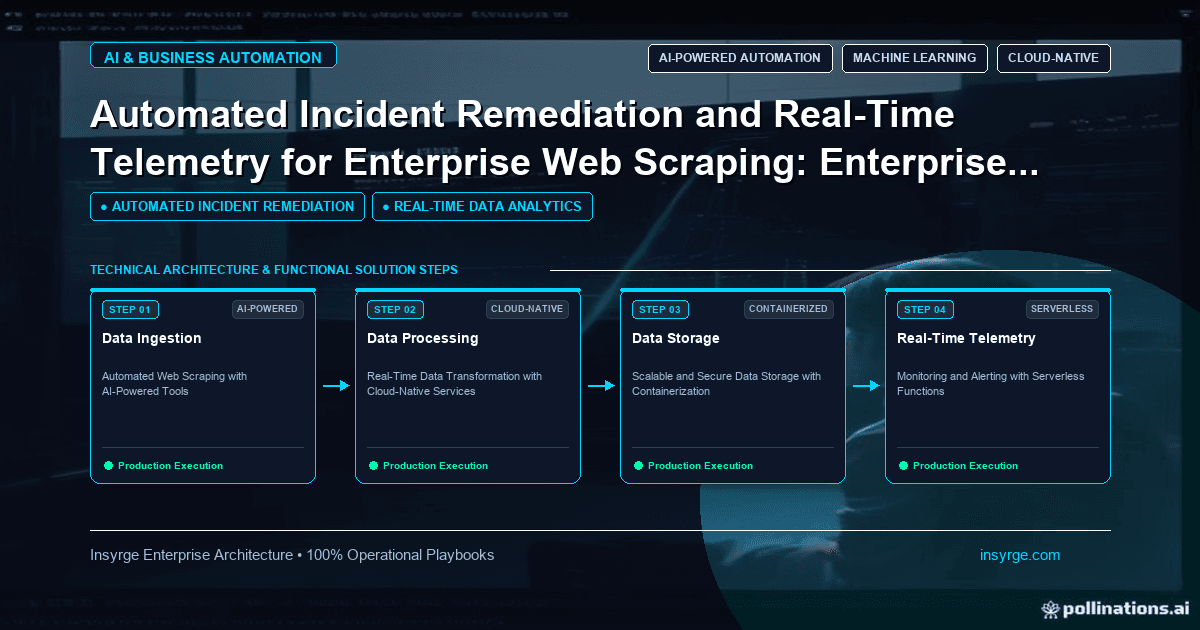
Set up web scraping monitoring that tracks success rates, record counts, field completeness and layout changes, with alerts and a clear runbook.
Web scrapers rarely fail loudly. More often, a site changes a class name, a price moves into a different element or a page starts returning a challenge instead of content, and the scraper keeps running while quietly collecting empty or wrong data. By the time someone notices, days or weeks of data are unusable. Web scraping monitoring catches these problems early. It tracks whether jobs ran, whether pages returned what you expected and whether the extracted data still looks right, then alerts the right person before bad data reaches reports or customers. This guide explains what to monitor, how to set thresholds and how to respond when something breaks.
 Why scrapers break silently
Scrapers depend on things you do not control:
- Page layouts and HTML structure change without notice
- Sites add or change consent banners, logins or pagination
- Responses change from content to error pages or challenges
- Data formats change, such as currencies, dates or units
- Network or infrastructure problems interrupt jobs
Many of these failures still return a successful HTTP status code, so the scraper reports success while extracting nothing useful. That is why monitoring must look at the data, not just whether the job ran.
The layers of web scraping monitoring
Effective monitoring covers four layers:
- Job health: did scheduled jobs start, finish and run within expected time?
- Response health: did requests return expected status codes, sizes and content?
- Extraction health: were the expected fields found on each page?
- Data quality: do extracted values look plausible compared with history?
Each layer catches different failures. Job health catches crashes; response health catches blocks and errors; extraction health catches layout changes; data quality catches subtle problems such as wrong fields.
Monitor job health
Track for every run:
- Start and end time
- Pages requested and completed
- Errors and retries
- Duration compared with recent runs
Alert when a scheduled job does not start, fails, or takes much longer or shorter than usual. A job that finishes far faster than normal often means pages returned errors.
Monitor response health
For responses, track:
- Distribution of status codes, such as 200, 403, 404, 429 and 5xx
- Average response size compared with history
- Presence of expected markers, such as a page title or product container
- Signs of error or challenge pages, such as known phrases or unusually small pages
A rise in 429 responses means you are being rate limited and should slow down. A rise in 403 responses or challenge pages may mean the site is restricting automated access, which is a signal to review your approach and permission, not to escalate evasion.
Monitor extraction health
For each field you extract, track the share of pages where it was found. If a price field is normally present on 98% of product pages and suddenly drops to 10%, the layout has probably changed. Field-level fill rates are among the most useful early warnings.
Monitor data quality
Even when fields are found, values can be wrong. Useful checks include:
- Type checks, such as numbers in price fields and valid dates
- Range checks against typical values
- Change checks, such as prices moving more than a set percentage between runs
- Duplicate checks on identifiers
- Record counts compared with recent runs
Our guide to building a web scraping pipeline explains where validation fits between extraction and storage.
Worked example: web scraping monitoring thresholds
The table below shows hypothetical monitoring rules for a daily product price collection job. Thresholds are illustrative and should be tuned using your own history.
CheckMetricNormal rangeAlert thresholdLikely causeJob ranRun started by scheduled timeEvery dayNo run within 30 minutes of scheduleScheduler or infrastructure failurePages completedShare of target pages fetched97% to 100%Below 90%Network issues or blockingStatus codesShare of 429 responsesUnder 1%Above 5%Crawling too fastResponse sizeMedian page size vs last 7 daysWithin 20%Change above 50%Error pages or layout changePrice fieldFill rate95% to 100%Below 85%Layout changePrice valuesShare changed by more than 30%Under 2%Above 10%Wrong field extracted or currency changeRecord countProducts collected vs last runWithin 5%Change above 15%Pagination or category change
Combining several checks gives a clearer picture than any single one. A drop in fill rate with normal status codes almost always means a layout change.
Route alerts to the right people
Alerts are useful only if someone acts on them:
- Send critical alerts, such as jobs not running, to an on-call channel
- Send quality warnings to the team that owns the scraper
- Include context in each alert: job name, metric, threshold, recent values and a link to logs
- Avoid alert floods by grouping related failures
Review alert rules regularly. Too many false alarms train people to ignore them.
Store raw pages for debugging
Keeping a sample of raw HTML or responses, for a limited period, makes debugging much faster. When extraction fails, engineers can compare old and new pages to see exactly what changed. Respect any terms and data protection rules that apply to storing page content.
Respond to breaks systematically
When monitoring flags a problem:
- Confirm the issue with a sample of affected pages
- Stop or pause downstream use of affected data if quality is in doubt
- Identify the cause, such as layout change, rate limiting or access restriction
- Fix the extractor or adjust crawl behaviour
- Re-run or backfill missing data where appropriate and permitted
- Record the incident and adjust monitoring if it was caught late
Consider self-healing techniques carefully
Some teams add fallback selectors or AI-assisted extraction to recover automatically from minor layout changes. These can reduce manual fixes but still need monitoring, because automatic recovery can extract the wrong data confidently. Our guide to the self-healing web scraper explains how these techniques work and where they need human review.
Build dashboards that show trends
A simple dashboard per scraper showing run status, pages completed, status codes, fill rates and record counts over the last few weeks helps spot gradual problems that threshold alerts miss, such as a fill rate that slips by a few points each week as a site rolls out a new design section by section.
Frequently Asked Questions
What is web scraping monitoring?
It is tracking scraper jobs, responses, extraction success and data quality, and alerting people when results move outside expected ranges.
Why do scrapers fail without errors?
Sites can change layouts or return error pages with a normal status code, so the scraper runs successfully but extracts empty or wrong data.
What is the most useful scraping metric?
Field fill rate, the share of pages where each expected field was found, is one of the best early warnings of layout changes.
What should happen when a scraper starts getting blocked?
Slow down, review the site's terms and robots.txt, and consider whether an API or licensed source is more appropriate. Do not escalate evasion techniques.
Catch scraper problems before they reach your data
We build monitored data collection pipelines with quality checks, alerting and dashboards, and favour APIs or licensed data where they fit. See our B2B lead mining and prospect verification service, or talk to us about scraping monitoring.
About the Author
Manav Sharma is the founder of Insyrge and a CRM solutions architect. He works across Zoho, Salesforce, HubSpot, Odoo and more, designing the CRM setups, integrations and automations that keep sales and operations teams working from the same data.
Need Help Implementing This in Your Business?
Our certified Zoho consultants and automation experts can help you design and deploy custom workflows tailored to your operations.
Book Free Consultation