


AI Automation for Small Business: Where to Start
Where AI fits in a small business, how to use tools you already have, run a measured pilot and protect client data.
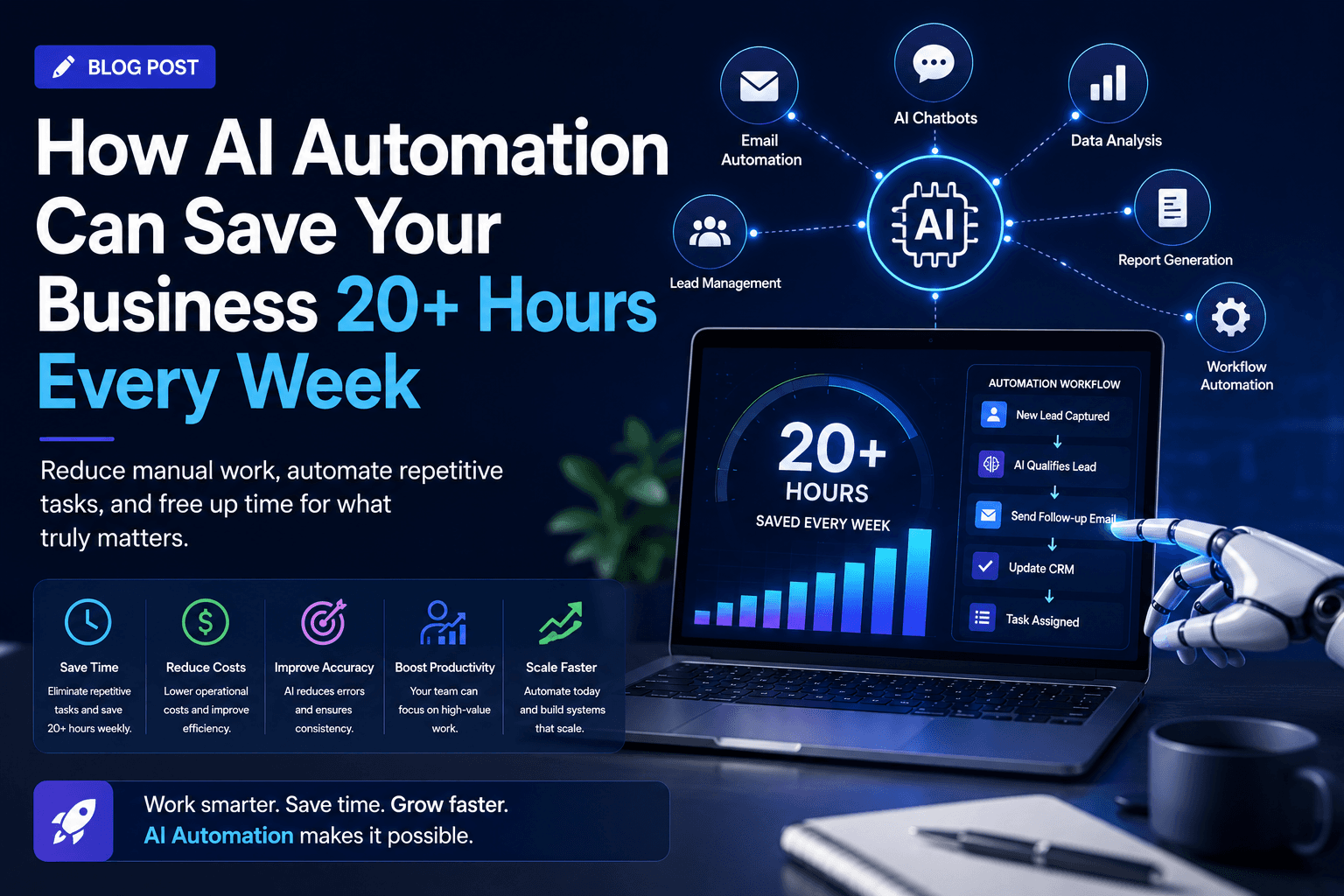
Start AI automation for small business with one low-risk task: use built-in tools first, pilot against a baseline and protect client data from day one.
Small businesses hear two stories about artificial intelligence: that it will transform everything, and that it is only for companies with data science teams. Neither helps a 15-person firm decide what to do on Monday. AI automation for small business is most useful when it takes over specific, repetitive tasks that involve reading, sorting or drafting, such as triaging emails, pulling details out of documents or preparing first drafts, with a person checking the results. This guide explains where AI fits in a small business, how to start with tools you may already pay for, how to run a low-risk pilot, how to protect customer data and how to judge whether it is worth continuing.
 Where AI fits in a small business
Traditional automation follows fixed rules: when a form is submitted, create a record. AI adds the ability to handle unstructured inputs, such as free-text emails, scanned documents and call notes, where fixed rules struggle. Good small-business uses include:
- Sorting incoming emails by type and urgency, and suggesting replies
- Extracting supplier, date, amount and line items from invoices and receipts
- Summarising meetings or calls into notes and action points
- Drafting quotes, proposals or follow-up emails from a short brief
- Answering common customer questions from your own documentation, with escalation to a person
- Categorising transactions or support requests for reporting
The common thread is that a person can check the output quickly. Tasks where errors are expensive and hard to spot, such as setting prices or giving regulated advice, are poor places to start.
Start with the tools you already have
Many small businesses already pay for software with AI features built in: email and office suites, accounting packages, CRMs and help desks increasingly include summarising, drafting or extraction. Check these first. They need no integration work, and data stays within a vendor you already trust with it.
Look beyond built-in features when:
- The task spans several systems, such as reading an email and updating the CRM and accounting system
- Built-in features cannot follow your rules or formats
- You need validation and review steps the tool does not provide
- Volumes make manual copying between tools a burden
Our guide to AI consulting services explains what outside help can add when you reach that point.
Running a pilot of AI automation for small business
Keep the first project small and measurable:
- Pick one frequent task with a clear owner
- Measure how long it takes today, over a couple of weeks
- Set up the AI step with a person reviewing every output
- Track how often outputs are accepted, corrected or rejected
- After a few weeks, compare time and quality with the baseline
- Decide whether to continue, adjust or stop
Agree the success measure before starting, such as a target acceptance rate and time saved, so the decision is based on evidence rather than enthusiasm.
Protecting customer data
Small businesses hold sensitive information too: client finances, staff records, health details or contracts. Before sending any of it to an AI tool:
- Read the provider's terms on how data is stored, used and retained
- Prefer business plans that commit not to use your data for training, where that matters to you
- Send only what the task needs, removing details such as account numbers where possible
- Record the processing in your privacy documentation and update notices if required
- Restrict who can use the tool with client data
If you are unsure whether a use is allowed under your contracts or regulations, take advice before starting.
Worked example: a pilot for a small accountancy practice
Suppose a 12-person accountancy practice receives client documents by email and spends time sorting and logging them. It plans a pilot:
ElementPlanTaskClassify incoming client emails with attachments (bank statements, invoices, payroll queries, other) and extract client name and periodBaselinePractice manager logs time spent sorting for two weeksToolAI feature in its existing document management system, configured with the practice's categoriesReviewPractice manager confirms or corrects every classification during the pilotData controlsOnly documents from existing clients; tool's business plan terms checked; processing recorded in privacy notesMeasuresShare of classifications accepted without change; minutes spent sorting per dayDecision pointAfter six weeks, compared with the baselineIf successfulReduce review to a daily sample; extend to a second task
The categories, durations and measures are the practice's own choices. It has deliberately not set a savings figure in advance; the decision will rest on the measured results.
Getting your team on board
Staff often worry that AI is being introduced to replace them, or that they will be blamed for its mistakes. Be clear about the purpose: removing tedious work so people can spend more time with clients. Involve the people who do the task in choosing it, configuring the categories and reviewing outputs, because they know the awkward cases. Make it explicit that the reviewer's correction is the final word, and thank people for reporting errors rather than hiding them.
Costs to plan for
AI automation is not free even when it uses existing tools:
- Subscription upgrades for AI features or higher usage tiers
- Usage-based charges for models accessed through an API
- Setup time, including configuring categories, instructions and integrations
- Review time, which stays significant until quality is proven
- Ongoing adjustments as your documents, services or tools change
Compare these with the measured time saved, valued at the cost of the people doing the work.
Keeping it working
AI outputs drift as inputs change: new clients, new document layouts, new services. Keep a light routine:
- Review a sample of outputs each week, even after the pilot
- Keep a list of corrections and use it to improve instructions
- Name an owner who decides when to adjust or switch off
- Revisit the data protection checks when the tool or provider changes
Our guide to automating data entry covers a related step: getting extracted details into your CRM or accounting system reliably.
Common mistakes
- Starting with a high-risk task to show ambition
- Skipping the baseline, so nobody knows whether the pilot helped
- Removing human review before accuracy is proven
- Sending more client data than the task needs
- Buying a new tool when an existing one already offers the feature
- Treating AI outputs as facts rather than suggestions
Frequently Asked Questions
What is AI automation for small business?
It uses AI tools to handle repetitive tasks involving unstructured information, such as sorting emails, extracting document details or drafting replies, with people checking results.
Where should a small business start with AI?
With one frequent, low-risk task and the AI features already in your existing software, measured against a baseline over a short pilot.
Is it safe to use AI with client data?
It can be, if you check the provider's terms, send only what is needed, restrict access and record the processing. Take advice if contracts or regulations apply.
How do you know if AI automation is worth it?
Compare measured time and quality after a pilot with the baseline, and include subscription, usage and review costs in the comparison.
Put AI to work in your business
We help small businesses choose, pilot and integrate AI automations with clear measures and safeguards. See our AI automation solutions, or talk to us about your first project.
Related resources
- AI automation solutions: Automate repetitive work with AI, starting small.
- Workflow Automation: Where to Start
About the Author
Manav Sharma is the founder of Insyrge and a CRM solutions architect. He works across Zoho, Salesforce, HubSpot, Odoo and more, designing the CRM setups, integrations and automations that keep sales and operations teams working from the same data.
Need Help Implementing This in Your Business?
Our certified Zoho consultants and automation experts can help you design and deploy custom workflows tailored to your operations.
Book Free Consultation