


Database per Service: Own Data, Share APIs
How the database per service pattern works, its benefits and costs, and how to handle transactions and queries across services.
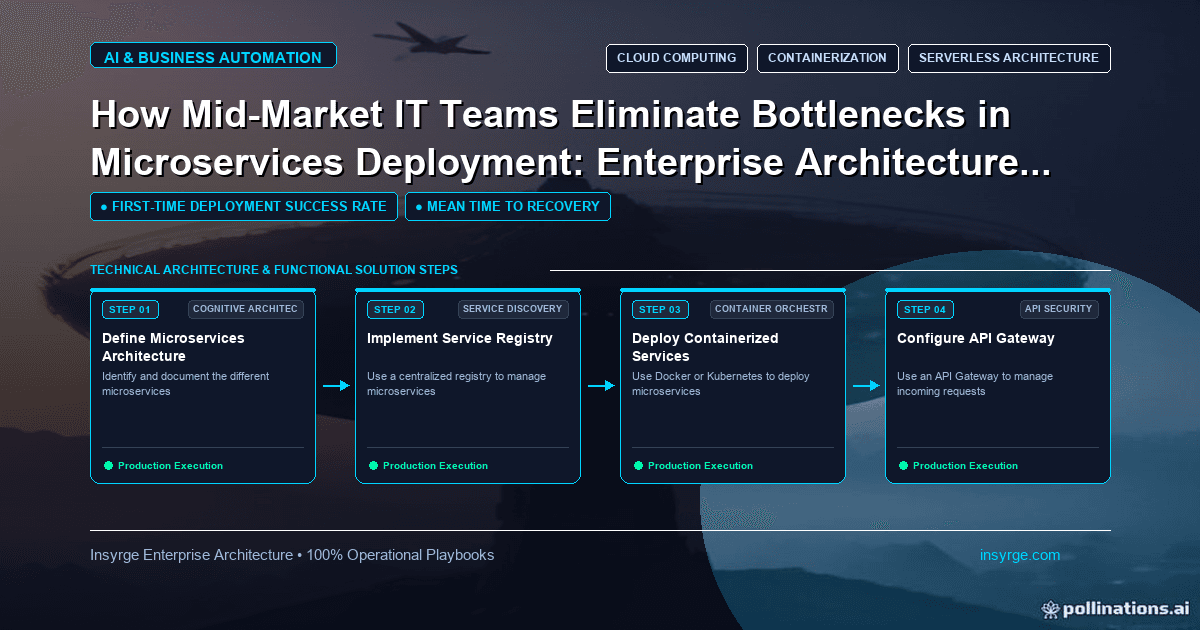
Apply the database per service pattern: keep each service's data private, choose tables, schemas or servers, and use sagas and views across services.
One of the most important and most argued-over decisions in a microservices design is where the data lives. If every service still reads and writes the same database tables, the services are separate in name only: a schema change for one can break the others, and teams must coordinate every release. The database per service pattern addresses this by giving each service its own private data, reachable only through its API. That independence comes at a price, because queries and transactions that once used simple joins now span services. This guide explains how the database per service pattern works, its benefits and costs and the techniques for handling data that crosses service boundaries.
 The problem with a shared database
Microservices.io describes the shared database pattern honestly. Its benefits are that developers can use familiar ACID transactions to keep data consistent and that a single database is simpler to operate. Its main drawback is development-time coupling: a developer working on one service must coordinate schema changes with the developers of other services that access the same tables (Microservices.io: Shared database).
For a small system, that trade-off may be acceptable. As teams and services multiply, coordination slows every release and the database becomes the place where services are secretly tied together.
How database per service works
The pattern's definition is short: keep each microservice's persistent data private to that service and accessible only via its API, so that a service's transactions only involve its own database (Microservices.io: Database per service).
Private does not have to mean a separate server. The same page lists three options for relational databases:
- Private tables per service: each service owns a set of tables that only it may access.
- Schema per service: each service has its own schema.
- Database server per service: each service has its own database server.
The first two are cheaper to run; the third gives the strongest isolation. Whatever you choose, enforce the boundary, for example by giving each service credentials that only work on its own tables or schema.
The benefits
Microservices.io lists the main benefits: services stay loosely coupled, changes to one service's database do not affect others and each service can use the type of database best suited to its needs, such as a search engine for text search or a graph database for relationship data.
In practice, this means teams can change their schemas, tune their queries and scale their storage without negotiating with every other team.
The costs
The same page is equally clear about the drawbacks. Business transactions that span services are not straightforward, and it advises avoiding distributed transactions. Queries that join data now held in several databases are harder. And managing several databases adds operational complexity.
These costs are why the database per service pattern should be adopted deliberately, with a plan for each of them.
Transactions across services: sagas
When a business process updates data owned by several services, such as placing an order, reserving stock and taking payment, there is no single database transaction to wrap it. Microservices.io recommends the saga pattern: a sequence of local transactions, each in one service, with compensating actions to undo earlier steps if a later one fails. Our guide to the saga pattern explains how to design these flows and their compensations.
Queries across services: composition and views
For queries that need data from several services, the pattern page suggests two approaches:
- API composition: the application, or an API gateway, calls each service and combines the results itself, rather than relying on a database join.
- CQRS: maintain one or more read-only views that contain data from several services, kept up to date by subscribing to events the services publish.
API composition is simpler and works well for small result sets. Views suit reporting and searches across large amounts of data, at the cost of data that may be slightly behind the source.
Worked example: splitting a shared database
The table below is a hypothetical plan for a company moving from a monolith with one shared database to services that own their data. It shows how each concern is handled rather than a full migration plan.
Data or needBeforeAfterCustomer recordsShared customers tableOwned by the customer service; others call its APIOrdersShared orders table joined to customersOwned by the order service; stores customer ID onlyStock levelsShared inventory tableOwned by the inventory servicePlace order across servicesOne database transactionSaga with compensating actionsOrder history screen with customer namesSQL joinAPI composition in the backend for the screenMonthly sales report across all dataDirect queries on shared tablesReporting view fed by service events
Note the orders row: the order service keeps the customer ID but not a copy of every customer field. Copy only what a service genuinely needs, and decide how copies are kept up to date.
Migrate gradually
Splitting a shared database rarely happens in one step. A common approach is to choose one area, give one service clear ownership of its tables, route all other access through that service's API and remove direct access only when nothing else uses it. Our guide to monolith to microservices migration covers how to sequence that work alongside the code changes.
During the transition, monitor which components still query tables they no longer own. Database logs and restricted credentials both help reveal hidden dependencies before they cause problems.
Keep copied data honest
Services often need a little data owned by another service, such as a customer name on an order confirmation. Copying it is fine if the rules are clear. Decide which service owns each field, how copies are updated, usually by subscribing to change events, and how long a copy may lag behind the source before it causes problems. Write those rules down next to the service's API documentation so that new team members do not invent their own.
Watch for common mistakes
A few patterns undo the benefits:
- Services that read each other's tables directly "just for reporting", recreating the coupling.
- Copying large amounts of data between services without a clear owner for each field.
- Using distributed transactions to avoid designing sagas.
- Splitting data so finely that simple screens need many service calls.
Draw service boundaries around business capabilities, not around individual tables, and adjust them when the pain points show the boundary is wrong.
Frequently Asked Questions
What is the database per service pattern?
It is a microservices pattern where each service owns its data privately and other services access that data only through the service's API, never directly in the database.
Does each service need its own database server?
No. Options include private tables per service or a schema per service on a shared server, as long as access is restricted so only the owning service can use them.
How do I run a transaction across several services?
Use the saga pattern: a sequence of local transactions, each in one service, with compensating actions to reverse earlier steps if a later step fails.
How do I report on data spread across services?
Use API composition for small, on-demand combinations, or build read-only views fed by service events for reporting across larger data sets.
Design data boundaries that hold
We help teams plan service boundaries, data ownership and the migration from a shared database step by step. See our custom app development services, or talk to us about database per service.
About the Author
Manav Sharma is the founder of Insyrge and a CRM solutions architect. He works across Zoho, Salesforce, HubSpot, Odoo and more, designing the CRM setups, integrations and automations that keep sales and operations teams working from the same data.
Need Help Implementing This in Your Business?
Our certified Zoho consultants and automation experts can help you design and deploy custom workflows tailored to your operations.
Book Free Consultation