


Email Throttling: Why Providers Slow Your Mail
How to recognise temporary deferrals, let retries work, slow down per provider and spread volume so mailbox providers accept mail.
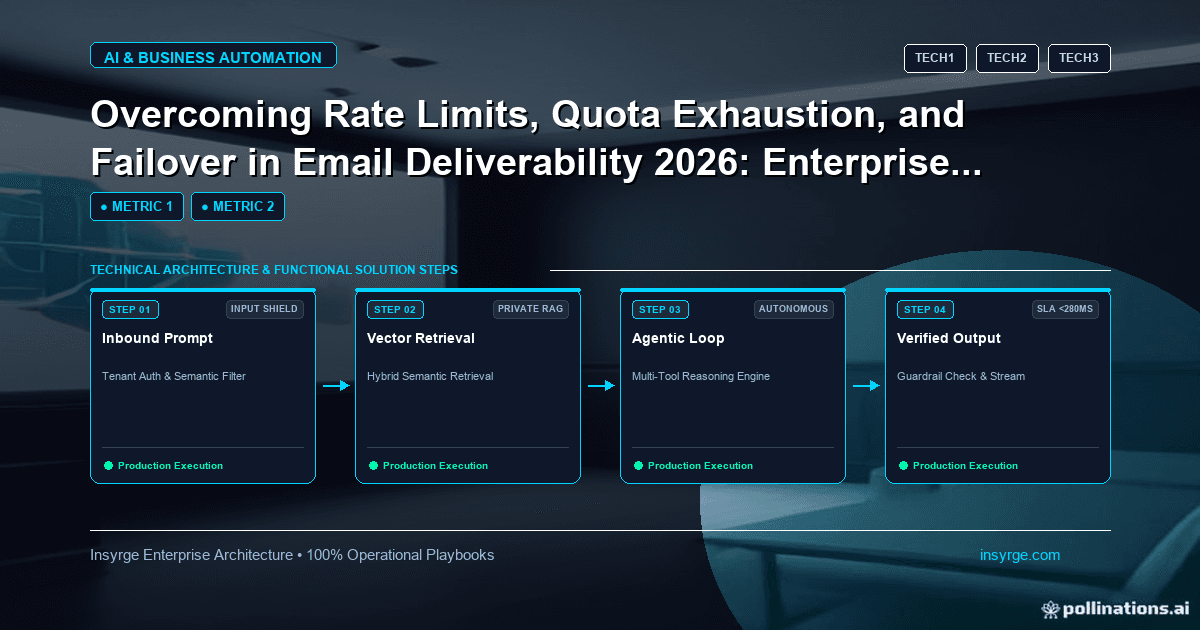
Handle email throttling calmly: read 4xx deferrals, let retries follow the SMTP standard, slow sending per provider and avoid sudden volume spikes.
Sometimes your email is not rejected, just slowed down. A receiving server answers with a temporary error, your sending queue grows and messages arrive hours later than planned, if at all. This is email throttling: mailbox providers limiting how fast they accept mail from a sender, often because the volume, pattern or reputation looks risky. Throttling is a warning, not a verdict. Handled well, it passes. Handled badly, by pushing harder, it can turn into blocking. This guide explains how to recognise email throttling, how retry behaviour should work and how to shape your sending so that providers accept your mail at the pace you need.
 What email throttling looks like
Throttling usually appears as temporary SMTP replies beginning with 4, rather than permanent ones beginning with 5. Google's list of Gmail SMTP errors includes, for example, a 421 4.7.28 response stating that Gmail has detected an unusual rate of email and that the email has been temporarily rate limited, and a 450 4.2.1 response saying the recipient is receiving email at a rate that prevents additional messages from being delivered (Google Workspace Admin Help: Gmail SMTP errors and codes).
Other providers use their own wording, but the pattern is similar: a temporary failure that invites you to try again later.
Why providers throttle
Mailbox providers protect their users from spam and their systems from overload. They look at how much mail a sender is sending, how suddenly the volume changed, how recipients react and whether authentication passes. Gmail's email sender guidelines advise senders to avoid sudden volume spikes if they do not have a history of sending large volumes, and give the example that suddenly doubling previously sent volume could result in rate limiting (Gmail Help: Email sender guidelines).
So email throttling is often a direct response to something the sender changed: a large campaign from a quiet domain, a new IP address or a list with many unknown recipients.
Let retries work as designed
Temporary failures are meant to be retried, but with patience. The SMTP standard, RFC 5321, says the sender must delay retrying a destination after a failed attempt, that the retry interval should in general be at least 30 minutes and that the give-up time generally needs to be at least 4 to 5 days (RFC 5321).
Most commercial sending services handle this queueing for you. Problems arise when teams run their own sending scripts or tools that retry too quickly, or that treat every temporary failure as a reason to resend immediately. That increases pressure on the provider and makes further throttling more likely.
Slow down when you see deferrals
Google's guidelines are explicit about the response: if messages start bouncing or being deferred, reduce the sending volume until the SMTP error rate decreases, then increase slowly again. In practice:
- Watch the share of temporary failures per receiving provider, not just overall.
- When it rises, lower the sending rate to that provider and spread the remaining volume over a longer window.
- Resume gradually once deferrals fall, rather than jumping back to the previous rate.
Our guide to email domain warming explains how to ramp up volume for new domains and IP addresses without triggering these limits.
Know your own platform's limits too
Throttling can also come from your own sending service. Amazon SES, for example, applies a sending quota, which is the maximum number of messages you can send in a rolling 24-hour period, and a maximum send rate per second. Its documentation adds that new accounts in the sandbox can only send 200 messages per 24-hour period at one message per second (Amazon SES: Managing sending limits).
Check your platform's quotas before a large send. Exceeding them produces errors that look similar to provider throttling but have a different fix. Our comparison of SMTP relay vs email API covers how different sending methods report these limits.
Worked example: a throttling response plan
The table below is a hypothetical plan for a team that sends a weekly newsletter and daily sales emails. It shows how to tie signals to actions; the thresholds are placeholders to set for your own programme.
SignalWhere it showsFirst responseIf it continuesRise in 4xx deferrals at one providerSending logs grouped by recipient domainHalve the send rate to that providerPause non-urgent sends to that provider for the dayRate limit message mentioning unusual volumeSMTP response textStop the current batch; resume at a lower rateReview recent volume changes and list sourcesPlatform quota errorsSending service errorsSpread the send over a longer windowRequest a quota increase in advanceDeferrals after a new list importLogs filtered by list sourceRemove the new list from the sendVerify and re-permission the listNormal deferral levelsSending logsNo actionContinue monitoring
The important habit is grouping by recipient provider. A problem with one provider should not cause you to slow down everywhere, and an average across all providers can hide it.
Separate urgent mail from bulk mail
If transactional messages, such as password resets and invoices, share a sending path with bulk campaigns, throttling caused by a campaign can delay the messages people are waiting for. Separating those streams, by sending service, IP pool or subdomain, means a bulk campaign that triggers throttling does not hold up urgent mail. It also makes it easier to see which stream caused a problem.
Spread volume across time
Large sends concentrated in a short window are more likely to be throttled than the same volume spread out. Schedule campaigns in batches over several hours, stagger sales sequences across the day and avoid sending everything at the top of the hour. Spreading volume also gives you time to see early deferral signals and react before the whole campaign is affected.
Review what triggered it
After each throttling episode, record what happened, which provider was involved, what had changed beforehand and how long it lasted. Over time, these notes reveal patterns, such as particular list sources or campaign types that repeatedly cause trouble. That is far more useful than adjusting settings each time without a record.
Frequently Asked Questions
What is email throttling?
It is when a receiving mail server temporarily limits how fast it accepts messages from a sender, usually responding with a temporary 4xx error and asking the sender to try again later.
Is throttling the same as being blocked?
No. Throttling is temporary and messages can still be delivered after retries. Ignoring it and sending harder can lead to rejections or blocking.
How should we retry after a deferral?
Wait before retrying and keep trying over a period of days, as the SMTP standard describes. Most sending services manage this queue for you; avoid scripts that resend immediately.
How do I avoid email throttling?
Increase volume gradually, send to engaged and permissioned recipients, keep authentication correct and spread large sends over time rather than sending everything at once.
Keep mail flowing at the right pace
We design sending setups with separate streams, sensible rate limits and monitoring by provider, so throttling is spotted and handled early. See our cold outreach and deliverability service, or talk to us about email throttling.
About the Author
Manav Sharma is the founder of Insyrge and a CRM solutions architect. He works across Zoho, Salesforce, HubSpot, Odoo and more, designing the CRM setups, integrations and automations that keep sales and operations teams working from the same data.
Need Help Implementing This in Your Business?
Our certified Zoho consultants and automation experts can help you design and deploy custom workflows tailored to your operations.
Book Free Consultation