


Lead Scoring Software: Built-In or Custom?
How to compare CRM built-in scoring, standalone tools and custom models on data access, transparency, cost and upkeep.
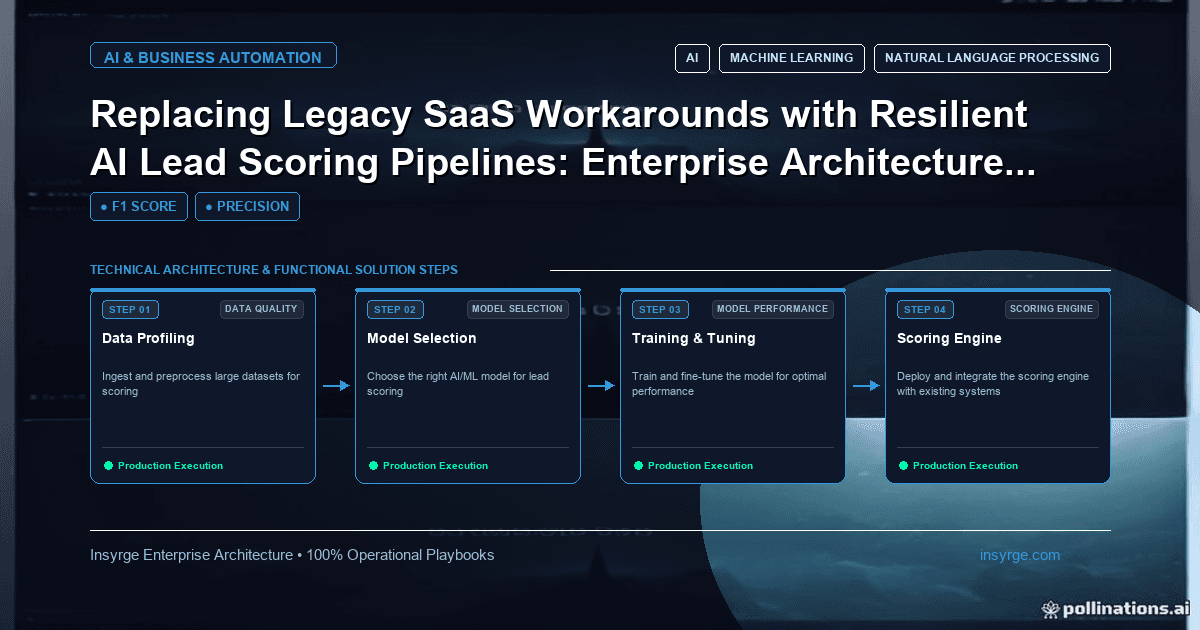
Choose lead scoring software by comparing CRM built-in scoring, add-on tools and custom models on data access, transparency, effort and upkeep.
Choosing lead scoring software often starts as a tool comparison and ends as a data and process decision. Most CRMs now include some form of scoring, specialist marketing and sales tools offer their own, and some teams build custom models on top of their CRM data. Each path can work. The right one depends on where your data lives, how transparent the scores need to be, who will maintain the model and how much the scoring needs to change over time. This guide compares built-in CRM scoring, standalone tools and custom models, and gives a simple way to decide.
 What lead scoring software needs to do
Whatever the product, scoring software has the same jobs:
- Read profile data and activity for each lead
- Apply rules or a model to produce a score
- Write the score back where salespeople work, usually the CRM
- Recalculate when new activity arrives or old activity expires
- Let someone review, explain and change the logic
Weakness in any one of these jobs shows up quickly. A tool that scores well but cannot see website activity, or that writes scores back once a day when sales needs them within minutes, will not be trusted.
Option 1: Scoring built into your CRM
Most CRM platforms include rule-based scoring. In Zoho CRM, for example, scoring rules can award points for field values and for signals such as email and website activity, as the Zoho developer documentation for creating scoring rules describes. Our guide to Zoho CRM lead scoring covers that set-up in detail.
Strengths:
- No extra integration, because the data and scores live in the same system
- Scores appear in views, reports and workflows straight away
- Admins can change rules without a developer
Limits:
- Only data that reaches the CRM can be scored
- Rule complexity, number of rules and supported modules often depend on the edition
- Learned or predictive scoring, where offered, may be limited or harder to inspect
Built-in scoring is the sensible default for most teams, especially when the CRM already holds the key signals.
Option 2: Standalone or add-on scoring tools
Marketing automation platforms and specialist scoring products often include richer behavioural tracking, such as page-level website activity and email engagement, and some offer predictive models.
Strengths:
- Better access to marketing activity that never reaches the CRM in detail
- Ready-made predictive options in some products
- Campaign and nurture tools in the same place as the score
Limits:
- Scores must sync to the CRM, adding another integration to monitor
- Data about deals and revenue may live elsewhere, which weakens predictive models
- Costs often grow with contacts or seats
- Logic can be harder to export if you change tools later
Option 3: A custom scoring model
A custom model reads data from the CRM and other sources, calculates scores in code or a data platform and writes them back.
Strengths:
- Any data source can be used, including product usage or billing data
- Full control over logic, explanations and update frequency
- Models can be tested against your own history before launch
Limits:
- Needs people who can build, test and maintain it
- Needs monitoring, version control and a fallback when it fails
- Overkill if a few clear rules already work
Custom models make sense when important signals live outside the CRM and marketing tools, or when off-the-shelf scoring cannot express how your buyers behave. Our guide to AI lead scoring explains what building one involves.
Questions to ask any vendor or builder
- Which data sources can it read, and how often?
- How are scores written back to the CRM, and how quickly?
- Can a salesperson see why a lead scored high?
- Can we test changes on past leads before applying them?
- What happens to scores if the tool or sync fails?
- Can we export the rules or model logic if we leave?
- How does pricing change as our database grows?
Worked example: choosing lead scoring software
The table below shows a hypothetical comparison for a mid-sized B2B company. Ratings are illustrative and would change with your own systems and priorities.
CriterionCRM built-inAdd-on toolCustom modelAccess to CRM fieldsFullVia syncVia APIAccess to website activityPartialDetailedVia integrationAccess to product usageNoneLimitedFullScore explanation for salesRule listVariesDesigned inEffort to set upLowMediumHighOngoing upkeepLowMediumMedium to highCost profileIncluded in editionPer contact or seatBuild and run costs
In this example, the company starts with built-in scoring because most strong signals are already in the CRM. It plans a custom model only if product usage data proves predictive in a later test.
Replace workarounds, not just tools
Many teams arrive at this decision because of workarounds: a spreadsheet that recalculates scores weekly, a manual export from the marketing tool, or a sales manager re-ranking leads by hand. Before choosing new lead scoring software, list these workarounds and what each one is compensating for. Often the real problem is missing data or unclear criteria, and a new tool will not fix either.
Plan the switch
Whichever option you choose:
- Run the new scoring in parallel with the old method for a few weeks
- Compare which leads each method ranks highly and check them with sales
- Agree thresholds and routing before go-live
- Keep a simple fallback, such as basic rules, if the new scoring stops updating
Document the decision as well as the set-up. A short page that records which option you chose, why, which data sources feed the score and who owns each part saves time when the team changes or the question comes up again a year later.
Lead scoring software mistakes to avoid
- Buying a predictive tool before checking that you have enough clean conversion history
- Choosing a tool that cannot see the signals your sales team trusts most
- Letting scores sync to the CRM once a day when routing depends on them within minutes
- Running two scoring systems at once without deciding which one sales should use
- Never testing whether higher scores actually convert better
Frequently Asked Questions
What is lead scoring software?
It is any tool that assigns scores to leads based on profile data and activity, using rules or a model, and makes those scores available to sales and marketing.
Is CRM built-in scoring good enough?
Often, yes. If the key signals already reach your CRM, built-in rules are the simplest option to run. Check edition limits and whether you need data from other systems.
When should we build a custom scoring model?
When important signals live outside your CRM and marketing tools, when you need logic those tools cannot express, and when you can maintain and monitor the model.
How do we compare lead scoring tools fairly?
Test them on the same set of past leads, compare conversion by score band and check data access, explanations, sync speed, exportability and long-term cost.
Choose scoring that fits your stack
We review your data sources and current scoring, recommend built-in, add-on or custom options and set up the one that fits. See our AI automation solutions, or talk to us about lead scoring software.
About the Author
Manav Sharma is the founder of Insyrge and a CRM solutions architect. He works across Zoho, Salesforce, HubSpot, Odoo and more, designing the CRM setups, integrations and automations that keep sales and operations teams working from the same data.
Need Help Implementing This in Your Business?
Our certified Zoho consultants and automation experts can help you design and deploy custom workflows tailored to your operations.
Book Free Consultation