


SaaS Integration: Replace Exports and Uploads
How to find manual export and upload routines between SaaS tools and replace them with reliable, monitored integrations.
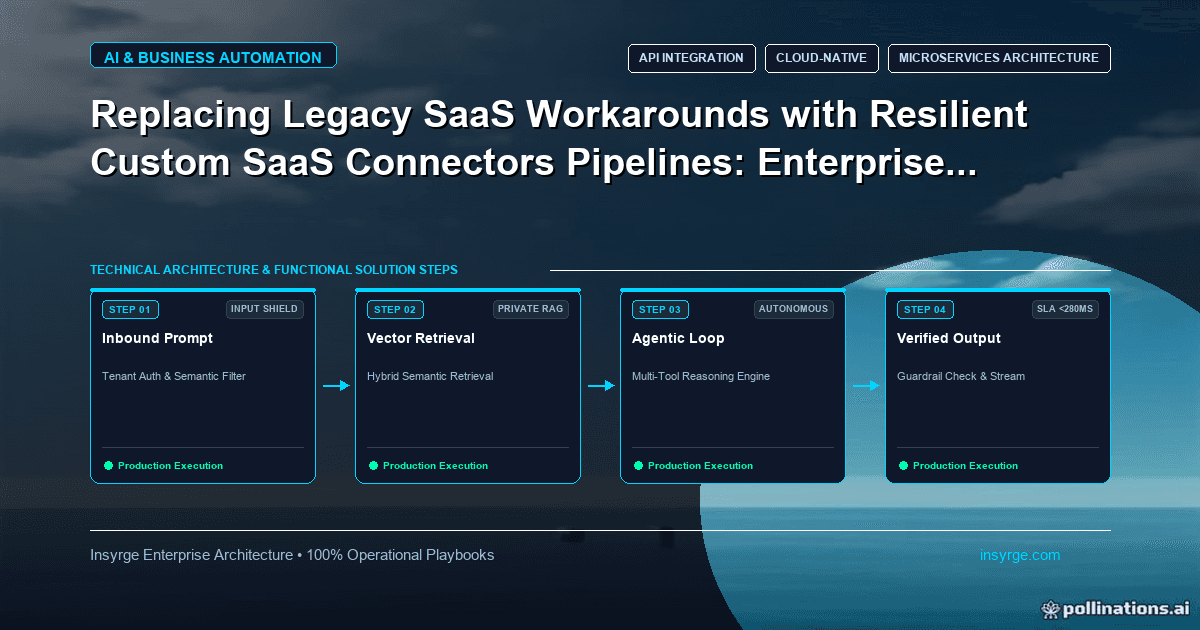
Plan SaaS integration that replaces manual exports and uploads: list the routines, choose native, iPaaS or custom options and switch over with checks.
In many businesses, data still moves between SaaS tools by hand. Someone exports a CSV from the e-commerce platform every morning, cleans it in a spreadsheet and uploads it to the accounting system. Someone else copies new deals from the CRM into the project tool. These routines work until the person is on leave, the export format changes or a row is missed. SaaS integration replaces them with connections that move data automatically, check it on the way and report when something goes wrong. This guide explains how to find manual routines worth replacing, choose between native connectors, integration platforms and custom code, and switch over without losing data.
 Find the manual routines
Manual data movement is often invisible to management because it is part of someone's daily habit. To find it:
- Ask each team which reports or uploads they produce regularly, and where the data comes from
- Look for recurring files in shared drives with names like "export", "upload" or dates
- Check calendar reminders and checklists for tasks such as "update stock sheet" or "import orders"
- Review spreadsheets with columns that mirror fields in other systems
For each routine, record the source system, target system, frequency, time taken, who does it, the steps involved and what happens when it goes wrong.
Decide which routines to replace first
Not every routine deserves an integration. Prioritise using a few questions:
- How much time does it take each week?
- What is the cost of an error or delay, such as a missed order or a wrong invoice?
- How often does it run, and is that frequency limiting the business?
- Is the routine stable, or is the process itself about to change?
- Do both systems offer APIs or connectors?
A routine that takes ten minutes a month and rarely matters can wait. A daily upload that blocks invoicing when it fails should be near the top of the list.
Native connectors, integration platforms or custom code
SaaS integration has three broad routes:
- Native connectors built by one of the vendors. Quick to set up and supported by the vendor, but limited to the fields and logic the vendor chose.
- Integration platforms (iPaaS) and automation tools. Visual flows across many apps, good for moderate complexity, priced by usage or tasks.
- Custom connectors built on the systems' APIs. Full control over logic, error handling and performance, but you own the code and its maintenance.
Our comparison of Zapier vs custom API integration covers when hosted automation tools stop being enough, and our guide to building a custom SaaS connector explains what a custom build involves.
Capture the hidden rules
Manual routines often contain unwritten rules. The person doing the upload may:
- Skip test orders or internal accounts
- Fix known data problems, such as trimming spaces or correcting country names
- Combine rows, such as merging partial shipments
- Apply judgement, such as holding orders with unusual addresses
These rules must be found and written down before automating, or the integration will faithfully copy problems the person used to fix. Sit with the person, watch the routine and ask "why" at each step.
Design the SaaS integration
A dependable integration typically includes:
- Authentication that renews itself. Many SaaS APIs use OAuth 2.0, where, as RFC 6749 explains, refresh tokens are credentials used to obtain new access tokens when the current one expires.
- Field mapping documented in one place, including value translations such as status codes
- Validation of required fields and formats before writing to the target
- Duplicate protection using unique external IDs
- Clear handling of records that fail, with a review queue rather than silent drops
- Logging and alerts, so someone knows when the integration stops or errors rise
Worked example: replacing a daily order upload
The table below shows a hypothetical before-and-after for a company moving orders from its e-commerce platform to its accounting system. All figures are illustrative.
AspectManual export and uploadAutomated SaaS integrationFrequencyOnce a day, working daysWithin minutes of each orderStaff timeAbout 30 minutes a dayReview of exceptions onlyTest ordersRemoved by handFiltered by ruleCountry name fixesCorrected in spreadsheetMapped in integrationDuplicate riskRe-uploading the same fileBlocked by order IDWhen something failsNoticed when invoices are missingAlert to owner with failed recordsHoliday coverSomeone else must learn the stepsRuns unattended
The integration does not remove the need for people entirely. Someone still reviews exceptions, but their time goes to problems instead of routine copying.
Switch over safely
Changing a live process carries risk. A safe sequence:
- Build and test the integration with sandbox or copied data
- Run it in parallel with the manual routine for a set period, writing to a test area or a log
- Compare the results each day and fix differences
- Switch the target writes to the integration
- Keep the manual steps documented, in case a fallback is needed
- Retire the manual routine once the integration has run cleanly for an agreed period
Tell everyone affected when the switch happens, and who to contact if something looks wrong.
Estimate the effort honestly
Integrations look simple on a whiteboard and grow in the details. When estimating, allow time for:
- Discovering and agreeing the hidden rules
- Handling edge cases, such as refunds, partial shipments or merged customers
- Building and testing error handling, not just the normal path
- Parallel running and comparison before switch-over
- Documentation and handover to the person who will own it
A routine that takes thirty minutes a day by hand may still take several weeks to automate properly. That is usually worth it, but setting the expectation early avoids disappointment.
Keep it running
SaaS products change their APIs, fields and limits. Plan for:
- Monitoring of errors, volumes and delays
- A named owner who receives alerts and handles exceptions
- Notification subscriptions for API changes from each vendor
- A periodic review of mappings when either system is reconfigured
Common SaaS integration mistakes
- Automating a routine without capturing its hidden rules
- No duplicate protection, so retries or re-runs create double records
- Failing records dropped silently instead of queued for review
- No owner, so alerts go to a mailbox nobody reads
- Switching off the manual process before the integration has proven itself
Frequently Asked Questions
What is SaaS integration?
It is connecting cloud software tools so data moves between them automatically, replacing manual exports, uploads and copying with reliable, monitored connections.
Should we use native connectors or custom integrations?
Start with native connectors if they cover the fields and logic you need. Use an integration platform or custom code when they do not, or when error handling and control matter more.
How do we find manual processes worth automating?
Ask teams about recurring exports, uploads and copying, look for regular files and checklists, and measure time spent and the cost of errors for each routine.
How do we switch from a manual process without losing data?
Run the integration in parallel with the manual routine, compare results daily, switch over only when they match, and keep the manual steps documented as a fallback.
Replace manual uploads with reliable integrations
We find manual routines between your SaaS tools, choose the right integration route and build connections with validation, alerts and owners. See our CRM and API integration services, or talk to us about SaaS integration.
About the Author
Manav Sharma is the founder of Insyrge and a CRM solutions architect. He works across Zoho, Salesforce, HubSpot, Odoo and more, designing the CRM setups, integrations and automations that keep sales and operations teams working from the same data.
Need Help Implementing This in Your Business?
Our certified Zoho consultants and automation experts can help you design and deploy custom workflows tailored to your operations.
Book Free Consultation