


Polling vs Webhooks: Pick the Right Trigger
How scheduled polling and event webhooks differ on freshness, cost and reliability, and why many integrations use both.
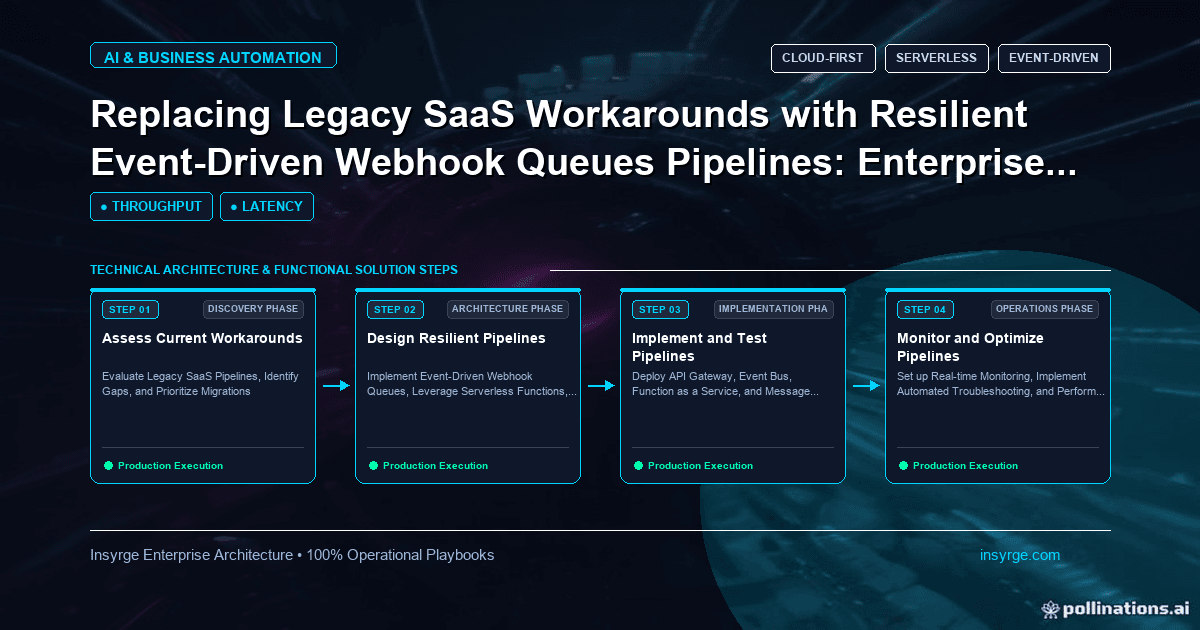
Compare polling vs webhooks on freshness, API usage, missed events and complexity, and see why reliable integrations often pair webhooks with a check.
Every integration needs a trigger: something that tells it new data is ready. The two classic options are polling, where your system asks the source on a schedule whether anything has changed, and webhooks, where the source tells your system the moment something happens. The polling vs webhooks choice affects how fresh your data is, how many API calls you spend, how often events are missed and how much code you have to maintain. Many legacy integrations still rely on frequent polling scripts or manual exports that were set up years ago. This guide compares the two approaches and explains why the most reliable integrations often use both.
 How polling works
A polling integration runs on a schedule, such as every five minutes, and asks the source system for records created or changed since the last run. A typical request filters by a "modified since" timestamp, then pages through the results.
Strengths:
- Simple to understand and test
- Works with almost any API, even those without webhooks
- Your system controls the pace and can catch up after downtime
- Naturally recovers missed changes on the next run, if the query is designed well
Weaknesses:
- Data is only as fresh as the polling interval
- Many calls return nothing, wasting API quota
- Frequent polling of large datasets can hit rate limits
- Timestamp-based queries can miss records if clocks differ or updates happen during a run
How webhooks work
With webhooks, you register a URL with the source system. When an event happens, such as a new order or an updated contact, the source sends an HTTP request with details to that URL.
Strengths:
- Near real-time delivery
- No wasted calls when nothing changes
- Scales well when changes are infrequent but must be acted on quickly
Weaknesses:
- Your endpoint must be public, secure and available
- Deliveries can fail, arrive late, arrive twice or arrive out of order
- Retry behaviour varies by provider. GitHub's guide to handling failed webhook deliveries, for example, states that GitHub does not automatically redeliver failed deliveries
- Not every system offers webhooks for every event you need
Our guide to Zoho CRM webhooks compares webhooks with CRM notification features and their limits.
Polling vs webhooks: side by side
The right trigger depends on what you need. Use polling when the source has no suitable webhooks, when a delay of minutes or hours is acceptable, or when you need a complete, repeatable view of changes. Use webhooks when actions must happen quickly, such as routing a new lead or confirming a payment, and when the source offers reliable events for the objects you care about.
Why reliable integrations use both
Webhooks are fast but can be missed. Polling is slower but thorough. Combining them gives the best of each:
- Webhooks trigger immediate processing of individual events
- A scheduled reconciliation job polls for changes over a recent window and processes anything the webhooks missed
- Idempotent processing ensures that records handled by both paths are not duplicated
This pattern is sometimes called "webhooks plus a safety net". The reconciliation run can be much less frequent than a polling-only design, such as hourly or nightly, because it only needs to catch the rare misses.
Our guide to scheduled data sync covers designing reliable polling and reconciliation jobs.
Handle webhooks properly
If you adopt webhooks, a few practices make them dependable:
- Respond quickly and process later. GitHub's webhook best practices say to respond within 10 seconds and suggest a queue so payloads can be processed asynchronously.
- Verify signatures so forged requests are rejected.
- Record event or delivery IDs to skip duplicates.
- Treat the payload as a notification and, for important records, fetch the latest state from the API before acting, which also handles out-of-order events.
- Monitor delivery failures and set up replay where the provider supports it.
Design polling properly
If you poll, avoid the common traps:
- Use a cursor or "modified since" value stored after each successful run, not the current time
- Overlap each window slightly, such as a few minutes, to catch records updated during the previous run, and rely on idempotent processing to ignore repeats
- Page through results completely before advancing the cursor
- Respect rate limits and back off when the API signals you are close
- Alert when a run fails or takes far longer than usual
Worked example: replacing a polling workaround
The table below shows a hypothetical before-and-after for a company syncing new orders from an e-commerce platform to its ERP. All figures are illustrative.
AspectBefore: polling every 2 minutesAfter: webhooks plus hourly checkTypical delay to ERPUp to 2 minutesSecondsAPI calls per day for checks720 polls, most empty24 reconciliation runsOrders missed per monthOccasional, during long runsCaught by hourly checkBehaviour during ERP outagePolls fail and retry each runEvents queue; check catches gapsCode to maintainOne polling scriptEndpoint, queue, worker and checkVisibilityScript log onlyPer-event status and alerts
In this example, the new design is faster and uses fewer API calls, but has more parts. That trade-off is worth it here because order delays affect fulfilment. For a low-value nightly report, the original polling job might have been fine.
Plan the switch from polling
Moving an existing integration from polling to webhooks is a change to a live process, so treat it like one:
- Build the webhook endpoint, queue and worker while the polling job keeps running
- Run both for a period, with the webhook path writing to a log rather than the target system, and compare what each would have done
- Switch the target writes to the webhook path once the results match
- Reduce the polling job to a less frequent reconciliation run instead of deleting it
- Keep the old schedule documented so it can be restored quickly if needed
This staged approach avoids a gap where neither path is processing changes, which is the most common cause of lost records during the switch.
When to stay with polling
Polling is not outdated. Keep it when:
- The source has no webhooks for the data you need
- Freshness of an hour or a day is genuinely acceptable
- The dataset is small and polling costs little
- You need a full periodic snapshot for reporting or reconciliation anyway
Frequently Asked Questions
What is the difference between polling and webhooks?
Polling means your system checks the source on a schedule for changes. Webhooks mean the source sends your system a request as soon as an event happens.
Are webhooks always better than polling?
No. Webhooks are faster and use fewer calls, but they can be missed and need a secure, available endpoint. Polling is simpler and thorough, but slower.
Why use polling and webhooks together?
Webhooks handle events quickly, while a less frequent polling job reconciles recent changes and catches any events that failed to arrive.
How do you avoid missing records when polling?
Store a cursor after each successful run, overlap time windows slightly, page through all results before advancing and process records idempotently.
Choose the right trigger for each integration
We review existing polling scripts and manual exports, design webhook and reconciliation patterns and build the queues and checks behind them. See our CRM and API integration services, or talk to us about integration triggers.
About the Author
Manav Sharma is the founder of Insyrge and a CRM solutions architect. He works across Zoho, Salesforce, HubSpot, Odoo and more, designing the CRM setups, integrations and automations that keep sales and operations teams working from the same data.
Need Help Implementing This in Your Business?
Our certified Zoho consultants and automation experts can help you design and deploy custom workflows tailored to your operations.
Book Free Consultation