


Zoho One Implementation: Replace Scattered SaaS Tools
Plan a phased move from scattered subscriptions and workarounds to connected Zoho One apps your teams actually adopt.
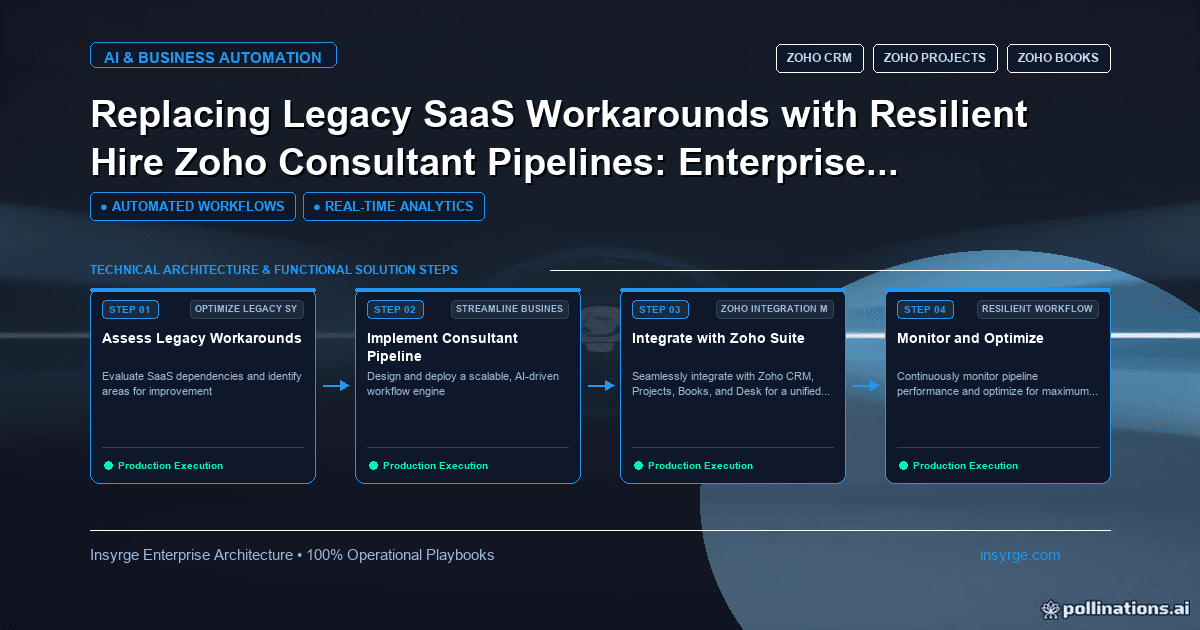
Plan a Zoho One implementation that replaces scattered SaaS tools in phases, with clear data ownership and adoption. Includes a tool-to-app map.
Many growing companies run on a patchwork of subscriptions: one tool for CRM, another for invoicing, a third for support tickets, spreadsheets for projects and a set of connectors holding it all together. Each workaround made sense when it was added. Together they create duplicate data, fragile syncs and a growing licence bill. A Zoho One implementation replaces much of that patchwork with one suite of connected applications on a shared platform. It only pays off if it is planned properly, though. Switching every app on at once usually recreates the old mess inside a new system. This guide covers when Zoho One fits, how we plan the move from legacy tools, a worked example of an application map, and the mistakes to avoid.
 What Zoho One is
Zoho One is Zoho's bundle of business applications under a single licence, covering sales, marketing, support, finance, HR, projects, analytics and more, on a common platform with central administration. Zoho advertises more than 45 unified apps; the applications list shows what is included. Zoho offers two licensing models on its pricing page: all-employee pricing, where every employee is licensed, and flexible user pricing for a chosen number of users. Which model suits you depends on how many of your staff need access. Work this out from your tool inventory before signing, because the answer often changes once you see which teams will actually use the new apps.
When a Zoho One implementation makes sense
Zoho One tends to fit when:
- You pay for several separate tools that overlap with Zoho One applications
- Data is copied between those tools by hand or through fragile connectors
- You want one place to manage users, access and security
- Your processes span departments, such as sales to finance to support
It is a weaker fit when you depend heavily on a specialised tool with no Zoho equivalent, or when only one department needs software. In those cases, individual Zoho apps or a targeted integration may be simpler.
Plan before you switch anything on
Inventory every current tool and workaround
List every subscription, spreadsheet and connector in use, who uses it, what data it holds and what it connects to. Workarounds, such as a shared spreadsheet that reconciles two systems, are as important as the tools themselves, because they reveal the processes that the new setup must support.
Decide the system of record for each kind of data
Customers, products, invoices, tickets and projects should each have one home. In most Zoho One implementations, Zoho CRM holds customers and deals, Zoho Books or an ERP holds financial records, and other apps reference them.
Choose which apps to adopt, and when
Not every included app needs to be used. Choose the ones that replace real tools or close real gaps, and phase them in.
Worked example: mapping legacy tools to Zoho One apps
The table below shows the kind of map we produce in the first weeks of a project. The current tools are generic descriptions of a typical setup.
Current tool or workaroundZoho One appData to migratePhaseNotesStandalone CRMZoho CRMAccounts, contacts, deals, activities1Clean duplicates before importSpreadsheet price listZoho CRM products, synced from BooksProducts and prices1Single catalogue owned by financeSeparate invoicing toolZoho BooksCustomers, open invoices, items2Cut over at a month or quarter endShared support inboxZoho DeskOpen tickets, contacts2Link tickets to CRM accountsProject spreadsheetsZoho ProjectsActive projects and tasks3Create projects from won dealsSurvey toolZoho SurveyTemplates only3Historical results archivedConnector between CRM and invoicingNative Zoho integrationsNot applicable2Retire once Books is liveAd hoc reporting spreadsheetsZoho AnalyticsReport definitions3Build after data is settled
A map like this makes the scope visible, shows which subscriptions can be cancelled and when, and keeps each phase small enough to test properly.
Phasing the rollout
Phase 1 usually covers the customer-facing core, often CRM, because other apps depend on clean customer data. Phase 2 connects finance and support. Phase 3 adds projects, analytics and anything else that builds on the first two. Each phase follows the same steps: design, configure in a test setup where possible, migrate in trial runs, train, go live and review.
Keep the old tool running in read-only mode for an agreed period after each cut-over, so staff can look up history while trust in the new system builds.
Connecting the apps properly
Zoho One apps integrate with each other natively in many places, but those integrations still need configuring and testing: which fields map, which app creates records and which only reads them. Where native options are not enough, Deluge functions and Zoho's integration tools fill the gaps. For anything that stays outside Zoho, such as an ERP or a specialist tool, a properly designed integration replaces the old connector; our guide to Zoho CRM ERP integration covers that case.
Users, access and security
Central user management is one of Zoho One's main advantages. Use it well:
- Create roles and profiles per app based on job responsibilities, not individuals
- Remove access promptly when people leave, from one place
- Turn on multi-factor authentication for all users
- Review admin rights in every app; keep super admin access with a small number of named people
Adoption is the real measure of success
A Zoho One implementation succeeds when teams stop using the old tools. Train people on their own daily tasks rather than every feature, name a champion in each department, and set a date after which the old tools are switched off. Track simple adoption measures, such as logins and records created in each app, during the first months.
Common Zoho One implementation mistakes
- Activating every app on day one and leaving teams to explore
- Migrating years of messy data without cleaning it first
- Rebuilding old workarounds instead of redesigning the process
- Leaving native integrations at default settings without testing
- Cancelling old subscriptions before data and history are safely moved
Choosing the right help also matters; our guide to choosing a Zoho consulting partner explains what to look for.
Frequently Asked Questions
What is included in Zoho One?
Zoho One bundles Zoho's business applications under one licence, covering areas such as sales, marketing, finance, support, HR and analytics. Zoho's applications page lists the current set.
Do we have to use every Zoho One app?
No. Use the apps that replace existing tools or fill genuine gaps, and phase them in. Unused apps cost nothing extra under the bundle, but they do not need to be configured.
How long does a Zoho One implementation take?
It depends on how many apps are adopted, the volume and quality of data, and the integrations required. Phasing the work keeps each stage manageable and lets teams adopt one change at a time.
Can Zoho One work with tools outside Zoho?
Yes. Zoho apps offer APIs and integration options, so tools that stay outside the suite, such as an ERP, can be connected.
Plan your Zoho One move with us
We plan and deliver phased Zoho One implementations, from tool inventory and data migration to integrations and training. See our Zoho One consulting services, or talk to us about consolidating your tools.
About the Author
Manav Sharma is the founder of Insyrge and a CRM solutions architect. He works across Zoho, Salesforce, HubSpot, Odoo and more, designing the CRM setups, integrations and automations that keep sales and operations teams working from the same data.
Need Help Implementing This in Your Business?
Our certified Zoho consultants and automation experts can help you design and deploy custom workflows tailored to your operations.
Book Free Consultation