


Building Resilient Python ETL Pipelines for Enterprise SaaS Integration: A Comprehensive Guide: The Complete Enterprise Guide [2026]
A comprehensive technical and operational breakdown on how modern enterprises solve building resilient python etl pipelines for enterprise saas integration: a comprehensive guide, optimize system performance, and achieve measurable ROI.
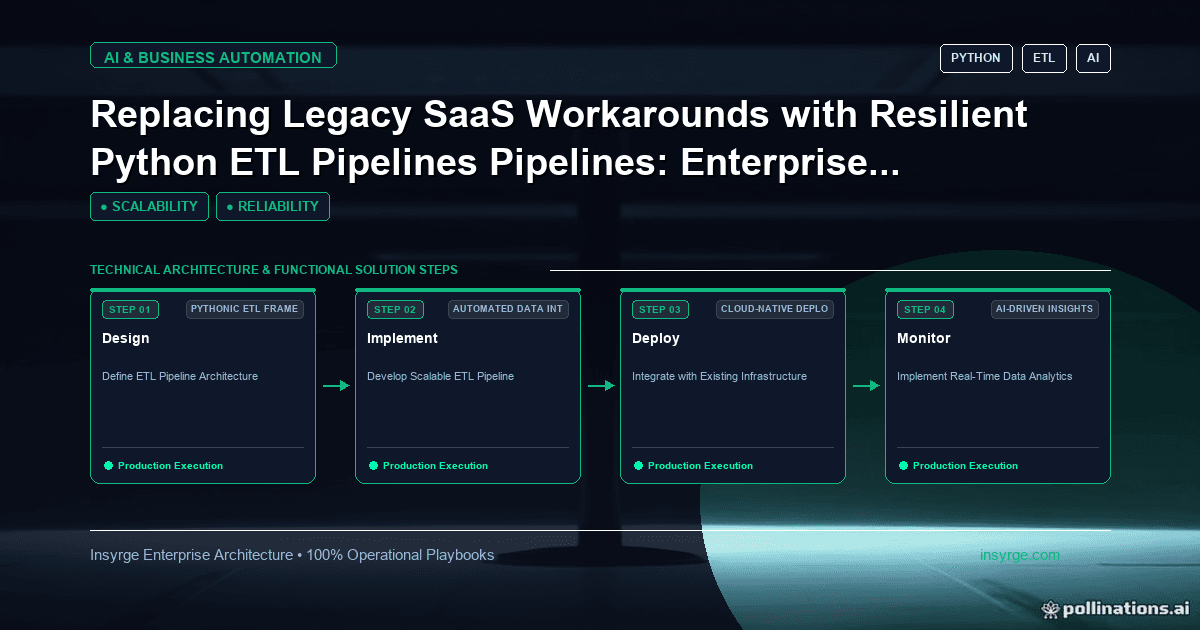
Learn how enterprise leaders solve building resilient python etl pipelines for enterprise saas integration: a comprehensive guide in 2026. Discover architectura
A Python ETL pipeline fails safely when every run can be repeated without harm. Extract in batches with a saved checkpoint, validate rows before loading and set bad ones aside, load with upserts on a stable key, and log enough to see what happened. Then a failed run is fixed by running it again, not by cleaning up by hand.
What usually breaks
- An API times out halfway and the script stops, leaving half the data loaded.
- One malformed row crashes the whole run.
- Rerunning the script creates duplicates.
- Nobody notices it failed until someone asks why a report is empty.
Step 1: Extract in batches with a checkpoint
- Read changes since the last successful run, using a modified-time field or an incremental ID.
- Page through results in fixed-size batches.
- Save the checkpoint (for example, the highest modified time loaded) only after the batch is loaded. A small SQLite table or a file is enough.
- Handle rate limits and timeouts with retries, exponential backoff and jitter.
Step 2: Transform and validate
- Use pandas or plain Python to rename fields, convert types and normalise dates to one time zone.
- Check each row against simple rules: required fields present, values in allowed ranges, keys unique.
- Write failing rows to a reject file or table with the reason, and continue with the rest.
- Stop the run if the reject rate is unusually high; that usually means the source changed.
Step 3: Load idempotently
Choose a stable business key or the source system's ID. Use upserts (insert or update on that key) rather than plain inserts, so loading the same batch twice gives the same result. For a full replace, load into a staging table and swap it in a single transaction.
Step 4: Log and alert
- Use the standard logging module with named loggers and timestamps, not print statements.
- Log per batch: rows read, rejected, inserted and updated, and the checkpoint value.
- Never log secrets or full personal records.
- Send an alert when a run fails or when row counts move far from normal.
Step 5: Make it easy to run and rerun
- Keep configuration and credentials outside the code, in environment variables or a secrets store.
- Pin dependencies in a requirements file and use one virtual environment per project.
- Support a "from date" argument so you can reload a past period on purpose.
- Schedule it with cron, a task scheduler or an orchestrator, and prevent two copies running at once.
When to use a tool instead
If you have many pipelines, complex dependencies or need a web interface for reruns, an orchestrator or a managed integration tool will save effort. For a handful of jobs, a well-built script is simpler to own.
Frequently asked questions
pandas or plain Python?
pandas suits table-shaped data that fits in memory. For very large data, process in chunks or use a database to do the heavy work.
How do I test an ETL script?
Keep transform logic in functions and test them with small sample files, including malformed rows.
Sources
- Python docs: logging
- Python docs: sqlite3
- pandas: IO tools
- AWS Builders' Library: Timeouts, retries and backoff with jitter
Related resources
- Zoho API and third-party integration services: Connect your CRM to the rest of your stack.
- Python ETL: Build Pipelines You Can Maintain
Need Help Implementing This in Your Business?
Our certified Zoho consultants and automation experts can help you design and deploy custom workflows tailored to your operations.
Book Free Consultation