


CRM Migration Tools: How to Choose and Combine
Compare CSV imports, vendor wizards, third-party services, ETL platforms and custom API scripts for moving CRM data.
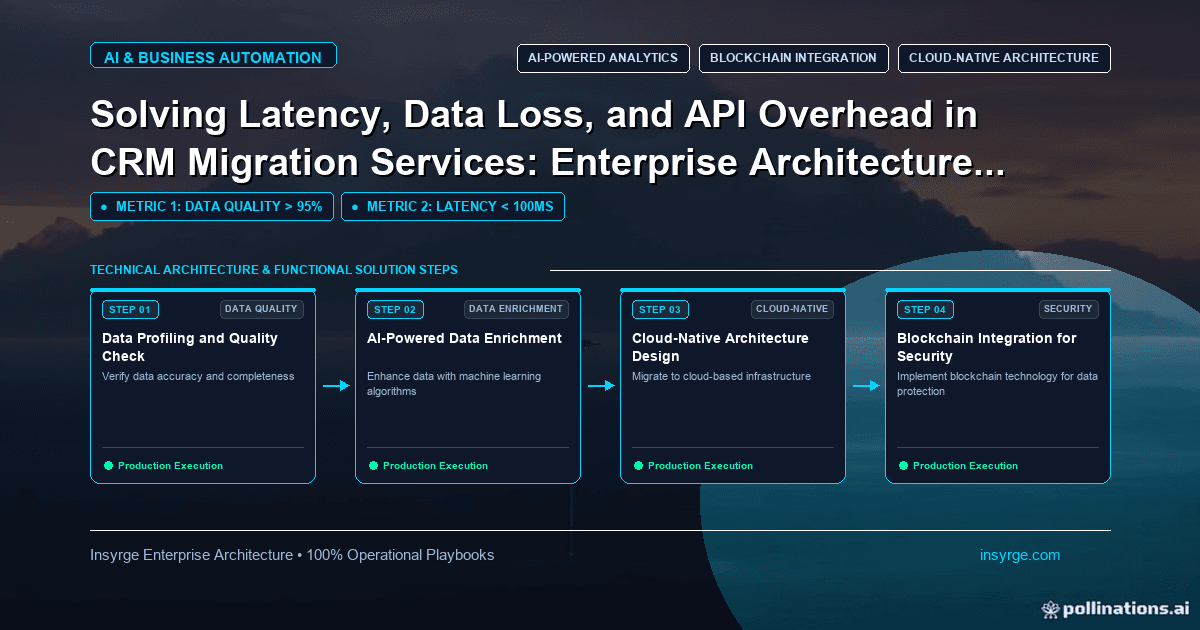
Compare CRM migration tools, from CSV imports and vendor wizards to bulk APIs and custom scripts, and learn how to match tools to each part of your data.
Choosing how to move data is one of the biggest decisions in a CRM migration. The options range from a spreadsheet import to a vendor's migration wizard, a third-party migration service, an integration platform or custom scripts using bulk APIs. Each suits different volumes, data complexity and levels of control, and many migrations combine several. Picking CRM migration tools without understanding their limits leads to stalled imports, broken relationships and missing history discovered at cutover. This guide compares the main categories of CRM migration tools, explains what to check before relying on one and shows how to match tools to each part of your data, with a worked example.
 The main categories of CRM migration tools
CategoryHow it worksStrengthsLimitationsBuilt-in CSV importExport to files, map columns, import module by moduleSimple, no extra cost, good for small clean datasetsManual, relationships and attachments are awkward, record limits per fileVendor migration wizardThe new CRM's tool reads files or connects to the old CRM's APIDesigned for common source systems, maps standard objects automaticallyLimited control over transformation; custom objects may need extra workThird-party migration service or toolSpecialist software or service moves data between many CRMsHandles many source and target pairs, often including historySubscription or project cost; another party handles your dataIntegration or ETL platformGeneral data pipelines with connectors and transformation stepsFlexible transformation, reusable after migrationSetup effort; connector depth variesCustom scripts with APIsCode reads from the old CRM and writes to the new oneFull control over mapping, order, validation and retriesDevelopment and testing effort; API limits apply
No category is best in general. The right choice depends on volume, how much transformation you need, how important history and attachments are, and the skills available.
Vendor migration wizards
Many CRMs provide their own migration tools for popular source systems. Zoho CRM, for example, has a data migration wizard that maps import files to modules and fields, and supports API-based transfer from several CRMs, including Pipedrive, Capsule, HubSpot, Insightly, Highrise, Bitrix and Bigin. Wizards are often the fastest route for standard objects. Check what they do not cover, such as custom objects, certain history types or automation, and plan separate steps for those.
Bulk APIs and custom scripts
For large volumes or complex transformations, scripts using the new CRM's APIs give full control. Bulk APIs are designed for high volumes: Zoho CRM's Bulk Write API, for instance, accepts zipped CSV files and can insert, update or upsert up to 25,000 records in a single API call. Scripts can enforce your own validation, load objects in the right order, store old IDs for traceability and retry failures. The trade-off is development and testing time, which pays off when the migration is complex or must be repeated several times in trials.
What to check before choosing a tool
- Coverage: which objects, fields, relationships, activities, notes and attachments it can move
- Custom objects and fields: whether they are supported or need manual setup first
- Transformation: whether you can clean, map and combine values during the move
- Relationships: how parent-child links and record owners are preserved
- Volume and speed: limits per file or job, API usage and realistic throughput
- Repeatability: whether you can run trial migrations and then a final one cleanly, including deleting trial data
- Error reporting: whether failed records are reported with reasons
- Undo: whether an import can be rolled back
- Security: where data is processed and stored, and who can access it
Test any shortlisted tool with a real export of your data, not a vendor demo. Edge cases in your data are what break tools.
Combining tools
Most mid-sized migrations use more than one tool. A common pattern is a vendor wizard or bulk import for core records, custom scripts for complex objects or transformations, and a separate approach for attachments. What matters is a single plan: one mapping document, one load order and one reconciliation process, whichever tools move each part.
Worked example: matching tools to data for a CRM migration
Suppose a software company is moving to Zoho CRM from another CRM supported by the migration wizard. It has 60,000 contacts, 18,000 accounts, 25,000 deals, a custom "subscriptions" object, 300,000 activities and 40,000 attachments. After testing tools on a full export, its plan:
DataToolReasonAccounts, contacts, dealsVendor migration wizardStandard objects mapped automatically; trial runs went cleanlyPicklist and owner clean-upTransformation in exported files before the final runWizard offers limited transformationSubscriptions custom objectCustom script using the Bulk Write API with upsertNot covered by the wizard; needs links to accounts via stored old IDsActivities from the last three yearsWizardUsers need recent history in the CRMOlder activitiesExported to an archive database, searchable by accountRarely used; keeps the new CRM leanAttachmentsCustom script, after parent records existNeeded control over order and error handlingWorkflows and integrationsRebuilt manuallyConfiguration, not data
Every tool's output feeds the same reconciliation: counts, open deal values and sampled relationships. The company stores each record's old ID in a field so the script can link subscriptions and attachments to records created by the wizard. The volumes and choices are this company's, shown to illustrate the method.
Planning for trial runs
Whatever tools you choose, you will run them several times: at least two trial migrations and the final cutover. Plan how to reset the target between runs, whether by restoring a clean sandbox or deleting trial records reliably, and keep every run's settings, mapping files and scripts under version control. A migration that can be repeated exactly is one you can trust; a migration that depends on someone remembering which boxes they ticked last time is not.
Common mistakes
- Choosing a tool from a demo rather than a test with your data
- Assuming a wizard covers custom objects and history
- Ignoring per-file or API limits until cutover
- Using different tools with no shared mapping or reconciliation
- No plan for removing trial data before the final run
- Forgetting that automation must be rebuilt, whatever the tool
For what a full migration engagement includes, see our guide to CRM migration services. For high-volume loads into Zoho CRM, see our guide to the Zoho CRM Bulk Write API.
Frequently Asked Questions
What tools are used for CRM migration?
Built-in CSV imports, vendor migration wizards, third-party migration services, integration or ETL platforms and custom scripts using the target CRM's APIs, often in combination.
Is a vendor migration wizard enough?
Often for standard objects from supported source systems. Custom objects, older history, attachments and automation may need other tools or manual work.
When should we use custom scripts for a CRM migration?
When volumes are large, transformations are complex, custom objects need careful linking or the migration must be rehearsed several times with full control.
How do we choose between CRM migration tools?
Test shortlisted tools with a real export and check coverage, transformation, relationships, volume limits, repeatability, error reporting, undo and security.
Choose the right migration approach
We help businesses select and combine CRM migration tools, and build custom scripts where wizards fall short. See our Zoho CRM implementation services, or talk to us about your migration.
About the Author
Manav Sharma is the founder of Insyrge and a CRM solutions architect. He works across Zoho, Salesforce, HubSpot, Odoo and more, designing the CRM setups, integrations and automations that keep sales and operations teams working from the same data.
Need Help Implementing This in Your Business?
Our certified Zoho consultants and automation experts can help you design and deploy custom workflows tailored to your operations.
Book Free Consultation