


Webhook Queue: Process Events Without Loss
Why webhooks should be processed through a queue, and how to design the receiver, workers, retries and dead-letter handling.
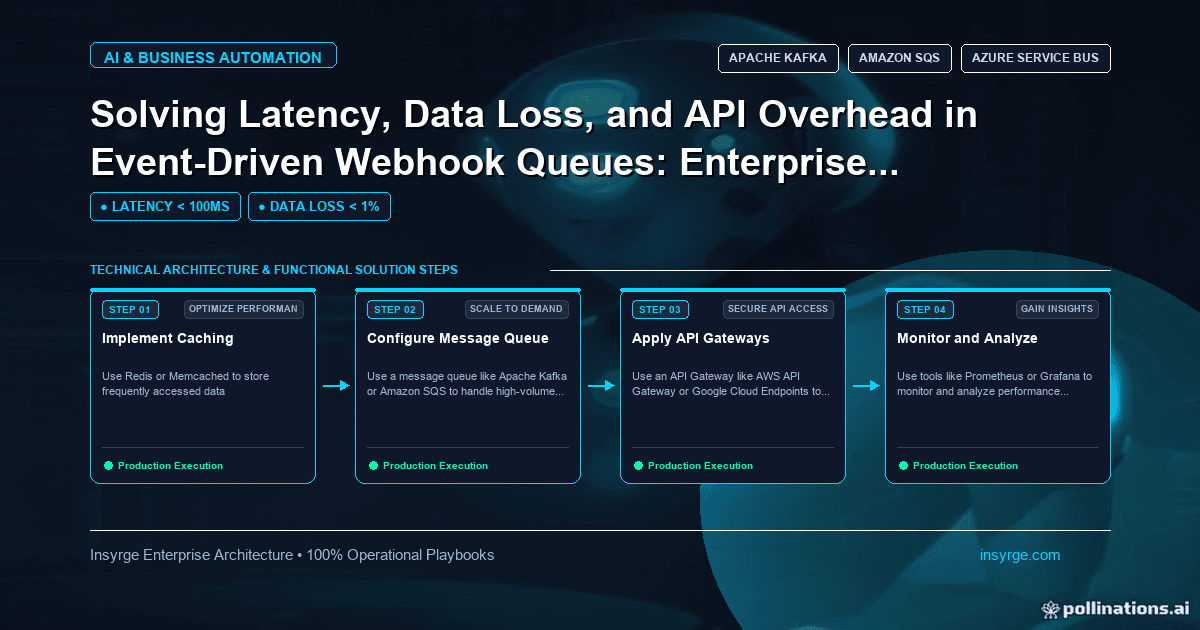
Use a webhook queue to stop timeouts, duplicates and lost events: fast receivers, idempotent workers, retries with backoff and dead-letter queues.
Webhooks are the simplest way for one system to tell another that something happened: a deal closed, an order shipped, a payment failed. But a webhook handler that does all its work while the sender waits is fragile. Slow processing causes timeouts, the sender retries, duplicates appear, and a burst of events or a brief outage downstream can lose data. Putting a webhook queue between receiving and processing solves most of these problems. The receiver accepts and stores each event quickly, and workers process events from the queue at their own pace, with retries and a place for failures to land. This guide explains how a webhook queue works, how to design the receiver and workers, and how to handle retries, duplicates and ordering, with a worked example.
 Why process webhooks through a queue?
Problem with direct processingHow a webhook queue helpsSender times out while you call slow APIsReceiver only stores the event and responds immediatelyBursts of events overload downstream systemsWorkers process at a controlled rateDownstream outage loses eventsEvents wait in the queue until the system recoversFailures disappear into logsRepeatedly failing events move to a dead-letter queue for reviewScaling means scaling the whole web appAdd workers independently of the receiver
Many webhook senders expect a quick response and retry when they do not get one, and some disable an endpoint that keeps failing, so a fast acknowledgement matters even when processing is complex.
The architecture
A webhook queue has four parts:
- Receiver: an HTTPS endpoint that verifies the request, stores the event on a queue and returns a success status
- Queue: durable storage for events awaiting processing, such as a managed queue service or a message broker
- Workers: processes that take events from the queue, apply business logic and call downstream APIs
- Dead-letter queue: where events go after repeated failures, so they can be inspected and replayed
Managed queues such as Amazon SQS support dead-letter queues natively: after a message has been received a set number of times without being deleted, it moves to the dead-letter queue. Message brokers such as RabbitMQ offer acknowledgements and other reliability features that serve the same purpose.
Designing the receiver
Keep the receiver small and fast:
- Verify authenticity, for example with an HMAC signature or shared secret, before accepting anything
- Validate that the payload is well formed, but leave business validation to workers
- Add a received timestamp and the sender's event ID if one is provided
- Put the event on the queue and return a success status
- Return an error only if the event could not be stored, so the sender retries
The OWASP Webhook Security Cheat Sheet covers signature verification, replay protection and other safeguards for receivers.
Designing the workers
Workers do the real work, so they need to handle failure gracefully:
- Idempotency: senders and queues can both deliver an event more than once, so processing the same event twice must not create duplicates. Record processed event IDs, or use upserts keyed on a stable identifier.
- Retries with backoff: retry temporary failures, such as timeouts and rate limits, with increasing delays
- Permanent failures: do not retry errors that will never succeed, such as invalid data; send them to the dead-letter queue with the reason
- Ordering: queues do not always preserve order. If order matters, compare timestamps or version numbers and ignore older updates, or use a queue type that preserves order per key.
- Concurrency control: limit workers so downstream rate limits are respected
Worked example: a CRM-to-billing webhook queue
Suppose a company's CRM sends a webhook when a deal is marked won, and a billing system must create a customer and subscription. Direct processing has caused timeouts and duplicate customers. The team builds a receiver that verifies a signature and enqueues each event. This is a simplified, untested illustration:
import hmac, hashlib, json, os, time
import boto3
from flask import Flask, request, abort

app = Flask(__name__)
sqs = boto3.client("sqs")
QUEUE_URL = os.environ["QUEUE_URL"]
SECRET = os.environ["WEBHOOK_SECRET"].encode()

@app.post("/webhooks/deal-won")
def deal_won():
    signature = request.headers.get("X-Signature", "")
    expected = hmac.new(SECRET, request.get_data(), hashlib.sha256).hexdigest()
    if not hmac.compare_digest(signature, expected):
        abort(401)
    event = request.get_json(silent=True)
    if not event or "deal_id" not in event:
        abort(400)
    event["received_at"] = time.time()
    sqs.send_message(QueueUrl=QUEUE_URL, MessageBody=json.dumps(event))
    return "", 202
The signature header name and payload fields depend on the sender. The worker then takes events from the queue, skips any deal it has already processed and deletes each message only after success:
def run_worker(billing, store):
    while True:
        resp = sqs.receive_message(QueueUrl=QUEUE_URL,
                                   MaxNumberOfMessages=10, WaitTimeSeconds=20)
        for msg in resp.get("Messages", []):
            event = json.loads(msg["Body"])
            try:
                if not store.already_processed(event["deal_id"]):
                    billing.upsert_customer_and_subscription(event)
                    store.mark_processed(event["deal_id"])
            except Exception as exc:
                log.warning("deal %s failed: %s", event["deal_id"], exc)
                continue  # leave the message on the queue for retry
            sqs.delete_message(QueueUrl=QUEUE_URL,
                               ReceiptHandle=msg["ReceiptHandle"])
The log object is the team's logger. If billing raises an error, the message is not deleted, becomes visible again after the queue's visibility timeout and is retried. The queue is configured with a redrive policy so that after five failed receives the message moves to a dead-letter queue, where an alert prompts someone to investigate. The number five is the team's choice. Because processing checks the deal ID and upserts by it, a duplicate webhook or a retry creates no duplicate customers.
Choosing a queue
The right queue depends on your environment and volume. A managed cloud queue suits most teams because there are no servers to run, retries and dead-letter handling are built in, and it scales automatically. A message broker such as RabbitMQ offers more routing options and suits teams already running one. For low volumes, a database table used as a queue can work, provided workers lock rows correctly so two workers never process the same event. Whatever you choose, make sure it stores messages durably, so a restart does not lose events awaiting processing, and that you can see how many messages are waiting.
Monitoring a webhook queue
- Queue depth and age of the oldest message, to spot workers falling behind
- Dead-letter queue size, with alerts when anything arrives
- Receiver error rates and signature failures
- Worker processing time and downstream error rates
A simple replay tool that moves messages from the dead-letter queue back to the main queue after a fix saves a lot of manual work.
Common mistakes
- Doing slow work in the receiver before responding
- Deleting or acknowledging messages before processing succeeds
- No idempotency, so retries create duplicates
- Retrying permanent errors forever
- No dead-letter queue or no alert on it
- Assuming events arrive in order
For Zoho-specific options, our comparison of Zoho CRM webhooks and the Notification API explains which to use as the event source, and our guide to Zoho CRM API error handling covers retries and failure handling on the processing side.
Frequently Asked Questions
What is a webhook queue?
A queue placed between a webhook receiver and the code that processes events. The receiver stores each event quickly, and workers process events from the queue with retries.
Why should a webhook receiver respond quickly?
Senders often time out slow responses and retry, creating duplicates, and some disable endpoints that keep failing. Responding after storing the event avoids both.
How do you prevent duplicate processing of webhooks?
Make workers idempotent: record processed event IDs or use upserts keyed on a stable identifier, so processing the same event twice has no extra effect.
What is a dead-letter queue?
A separate queue for messages that failed processing repeatedly, so they can be inspected, fixed and replayed rather than lost or retried forever.
Build reliable webhook processing
We design webhook receivers, queues and workers that handle bursts, retries and failures without losing data. See our CRM and API integration services, or talk to us about your integration.
About the Author
Manav Sharma is the founder of Insyrge and a CRM solutions architect. He works across Zoho, Salesforce, HubSpot, Odoo and more, designing the CRM setups, integrations and automations that keep sales and operations teams working from the same data.
Need Help Implementing This in Your Business?
Our certified Zoho consultants and automation experts can help you design and deploy custom workflows tailored to your operations.
Book Free Consultation