


Next.js Performance: Fix Slow Pages at the Source
How to measure with Core Web Vitals and use Next.js tools for images, fonts, scripts, components and data fetching.
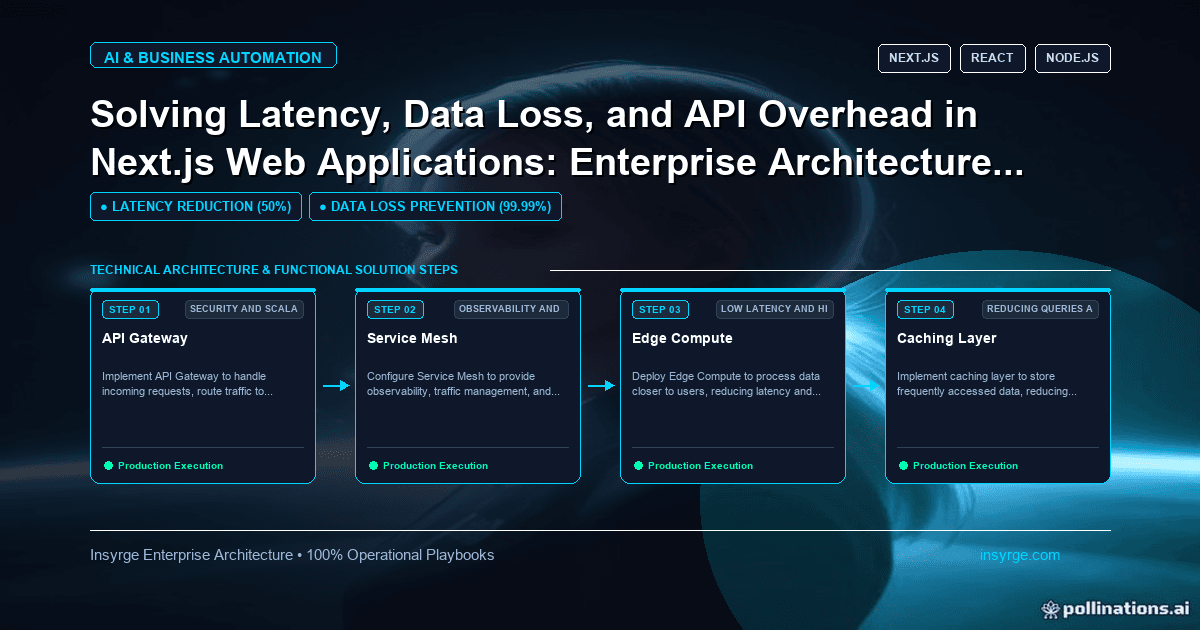
Improve Next.js performance with field data first, then the right fix: Image and font components, Server Components, lazy loading and script strategies.
Next.js gives you fast pages by default, until it does not. A marketing site that scored well at launch slows down as tracking scripts, large images, client-side widgets and slow API calls accumulate. Users feel it as pages that take a moment too long to appear, buttons that respond late and content that jumps as it loads. Next.js performance work is about finding which of those problems you have, using real measurements, and applying the framework's built-in tools for images, fonts, scripts, components and data fetching. This guide explains how to measure, which fixes address which symptoms, and how to keep pages fast as the site grows.
 Measure before changing anything
Performance work without measurement tends to optimise what is easy rather than what matters. Google's Web Vitals guidance defines three Core Web Vitals and their "good" thresholds:
- Largest Contentful Paint (LCP), for loading: within 2.5 seconds
- Interaction to Next Paint (INP), for responsiveness: 200 milliseconds or less
- Cumulative Layout Shift (CLS), for visual stability: 0.1 or less
The same guidance recommends measuring at the 75th percentile of page loads, split by mobile and desktop. Field data from real users matters more than a single lab test on a fast laptop. Use lab tools to diagnose, and field data to decide what to fix and to confirm it worked.
Measure per template, not just the home page. A product page, a blog post and a dashboard often have completely different problems.
Slow loading: images, fonts and server time
When LCP is slow, the largest element on screen, often a hero image or heading, arrives late. Common causes and Next.js tools:
- Oversized images: the Next.js Image component serves correctly sized images for each device in modern formats, and loads images lazily as they enter the viewport.
- The hero image loading late: lazy loading is the default, so the image that forms the LCP element needs different treatment. The Image API reference recommends, in most cases, loading="eager" or fetchPriority="high" for it.
- Web fonts blocking text: next/font self-hosts fonts with your other assets, removing requests to external font services and avoiding layout shift.
- Slow server responses: if the HTML itself arrives late, look at data fetching and rendering. Pages that can be static or regenerated periodically should not be rendered on every request.
Our guide to Next.js rendering strategies explains how to choose static, regenerated or dynamic rendering per page.
Slow interactions: too much JavaScript
INP problems usually mean the browser's main thread is busy when the user taps or clicks. In Next.js, the main levers are:
- Server Components: the Server and Client Components guide lists reducing the JavaScript sent to the browser among the reasons to use Server Components. Keep "use client" for the parts that genuinely need interactivity, and push it as far down the component tree as possible.
- Lazy loading: the lazy loading guide describes next/dynamic and React.lazy with Suspense for loading Client Components and libraries only when needed, such as a modal that opens on click.
- Third-party scripts: the Script component offers loading strategies, including afterInteractive, the default, and lazyOnload, which loads during browser idle time. Chat widgets and non-essential tags rarely need to load early.
- Bundle size: the bundling guide describes the bundle analyzer, which shows which modules make up your JavaScript so large dependencies can be replaced or loaded later.
Layout shift: reserve space
CLS comes from content moving after it first appears. Typical causes are images without dimensions, fonts swapping, banners inserted above content and embeds that resize. The Image component uses width and height to reserve the right space, next/font avoids font-related shift, and anything injected after load, such as cookie banners or promotional bars, should have space reserved or appear as an overlay rather than pushing content down.
Data fetching and API overhead
Many slow Next.js pages are slow because of what happens before rendering. Look for:
- Requests made one after another when they could run in parallel
- The same data fetched several times in one render
- Calls to slow external APIs on every request, when the data changes rarely and could be cached or revalidated on a schedule
- Large responses where the page uses only a few fields
Moving heavy or slow work out of the request path, such as precomputing results or caching responses, often helps more than any front-end change.
Worked example: diagnosing a slow product page
The table below shows a hypothetical diagnosis for an ecommerce product template with poor field data on mobile. Measurements and fixes are illustrative.
SymptomEvidenceCauseFixSlow LCPHero image is the LCP element and starts loading lateImage lazy-loaded and oversizedUse the Image component with correct sizes and eager loading for the heroSlow LCP on first byteServer response slow on every requestProduct data fetched from a slow API per requestRegenerate product pages periodically and on product updatesPoor INPLong tasks when tapping "Add to cart"Large client bundle including a reviews widgetMake reviews a lazily loaded Client ComponentPoor INPMain thread busy after loadSeveral marketing tags loading earlyMove non-essential tags to lazyOnloadHigh CLSContent jumps when promo bar appearsBar inserted above content after loadReserve space or render bar on the server
After each change, the team compares field data for the product template over the following weeks rather than relying on one lab run.
Keep pages fast as the site grows
Performance tends to decay as features are added. Simple safeguards help: a performance check in the build or deployment pipeline for key templates, a budget for JavaScript per page that new features must fit within, a review step before adding third-party scripts, and a monthly look at field data by template. Our guide to Next.js and Tailwind covers building business sites with performance in mind from the start.
Common mistakes in Next.js performance work
- Optimising based on one lab test instead of field data
- Marking whole pages as client components
- Loading every third-party script early
- Rendering pages on every request when they could be static or regenerated
- Images without dimensions, or the hero image lazy-loaded
- No checks to stop regressions after launch
Frequently Asked Questions
How do you measure Next.js performance?
Use Core Web Vitals: LCP, INP and CLS. Google's guidance recommends judging them at the 75th percentile of real page loads, split by mobile and desktop, and per page template.
What are good Core Web Vitals values?
According to Google's Web Vitals guidance, LCP within 2.5 seconds, INP of 200 milliseconds or less and CLS of 0.1 or less.
How do Server Components help performance?
The Next.js documentation lists reducing the JavaScript sent to the browser as a reason to use them. Keeping interactive parts small reduces work on the main thread.
Should third-party scripts load early?
Usually not. The Next.js Script component offers strategies such as lazyOnload for scripts that can wait until the browser is idle.
Make your Next.js site fast again
We diagnose Next.js performance with real data and fix the causes, from images and scripts to data fetching. See our custom app development services, or talk to us about your site.
About the Author
Manav Sharma is the founder of Insyrge and a CRM solutions architect. He works across Zoho, Salesforce, HubSpot, Odoo and more, designing the CRM setups, integrations and automations that keep sales and operations teams working from the same data.
Need Help Implementing This in Your Business?
Our certified Zoho consultants and automation experts can help you design and deploy custom workflows tailored to your operations.
Book Free Consultation