


The 2026 Enterprise Engineering Blueprint for Inbox Placement Strategy: Enterprise Architecture Playbook [2026]
A comprehensive technical and operational breakdown on how modern enterprises solve the 2026 enterprise engineering blueprint for inbox placement strategy: enterprise architecture playbook [2026], optimize system performance, and achieve measurable ROI.
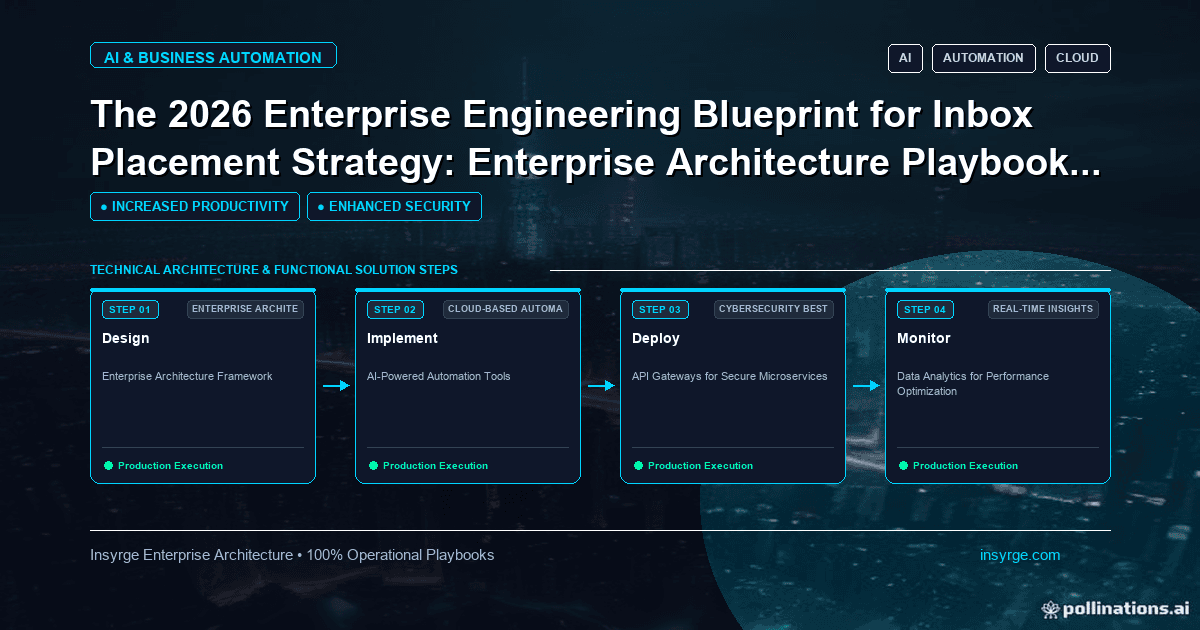
Learn how enterprise leaders solve the 2026 enterprise engineering blueprint for inbox placement strategy: enterprise architecture playbook [2026] in 2026. Disc
Inbox placement depends on four things you control: authenticated sending (SPF, DKIM and DMARC), a low spam complaint rate, mail people want and engage with, and steady sending volume from a clean list. When mail lands in spam, check them in that order. Authentication problems are quick to fix; reputation takes weeks to rebuild.
What is inbox placement?
Deliverability is often reported as "delivered", which only means the receiving server accepted the message. Inbox placement is whether it reached the inbox rather than spam or a promotions tab. Mailbox providers decide this per message, using your domain and IP reputation, authentication results and how recipients have reacted to your past mail.
1. Fix authentication first
Publish SPF, sign with DKIM using your own domain, and publish a DMARC record. Google requires all three for senders of more than 5,000 messages a day to Gmail, and Yahoo has similar rules. Unauthenticated mail is the easiest for a filter to reject. See our SPF, DKIM and DMARC setup guide.
2. Keep spam complaints low
Google asks senders to keep the spam rate shown in Postmaster Tools below 0.3%, and recommends staying well under that. Complaints come from people who do not remember signing up, get too much mail, or cannot find how to leave.
- Send only to people who opted in, and say what they will receive.
- Support one-click unsubscribe (the List-Unsubscribe-Post header) and show a visible unsubscribe link in the body. Google and Yahoo require this for marketing mail at volume.
- Process unsubscribes promptly.
3. Separate your mail streams
Send transactional mail (password resets, invoices, notifications) and marketing mail from different subdomains or IPs. A marketing campaign that draws complaints should not slow down the emails customers are waiting for.
4. Warm up and keep volume steady
A new domain or IP that suddenly sends large volumes looks like a spammer. Start with your most engaged recipients, increase volume gradually over a few weeks, and avoid big spikes. If you pause sending for months, warm up again.
5. Clean your list
- Remove hard bounces immediately and repeated soft bounces after a few attempts.
- Stop mailing people who have not opened or clicked in a long time, or send them a re-permission message first.
- Never buy lists. They contain spam traps and people who never agreed to hear from you.
6. Watch the signals
Use Google Postmaster Tools for domain reputation and spam rate, read DMARC reports, and track bounces and complaints by campaign. Seed-list tests are a rough guide only; real engagement data matters more.
Frequently asked questions
Why does my mail go to spam even though SPF and DKIM pass?
Passing authentication proves who sent the message. Filters still look at reputation, complaints and engagement, and at whether DKIM and SPF align with your From domain.
Do links and images trigger spam filters?
Rarely on their own. Link shorteners, mismatched link text and links to domains with poor reputation can hurt.
How long does it take to recover reputation?
Usually weeks of clean, consistent sending to engaged recipients.
Sources
- Google: Email sender guidelines
- Yahoo Sender Hub: best practices
- RFC 8058: one-click unsubscribe
- RFC 7489: DMARC
Want a second pair of eyes on your email setup? Talk to Insyrge
If your CRM-driven email is landing in spam or you are unsure your authentication records are set up correctly, Insyrge can review the setup and connect it properly to your CRM workflows. Tell us which sending tools and domains are involved. Contact Insyrge or book a call.
See also: Zoho API and third-party integration services.
Related resources
- Zoho API and third-party integration services: Connect your CRM to the rest of your stack.
Need Help Implementing This in Your Business?
Our certified Zoho consultants and automation experts can help you design and deploy custom workflows tailored to your operations.
Book Free Consultation