


How to Choose a CRM: A Step-by-Step Guide
Map your processes, test a shortlist with real scenarios and data, and score the options before you commit to a platform.
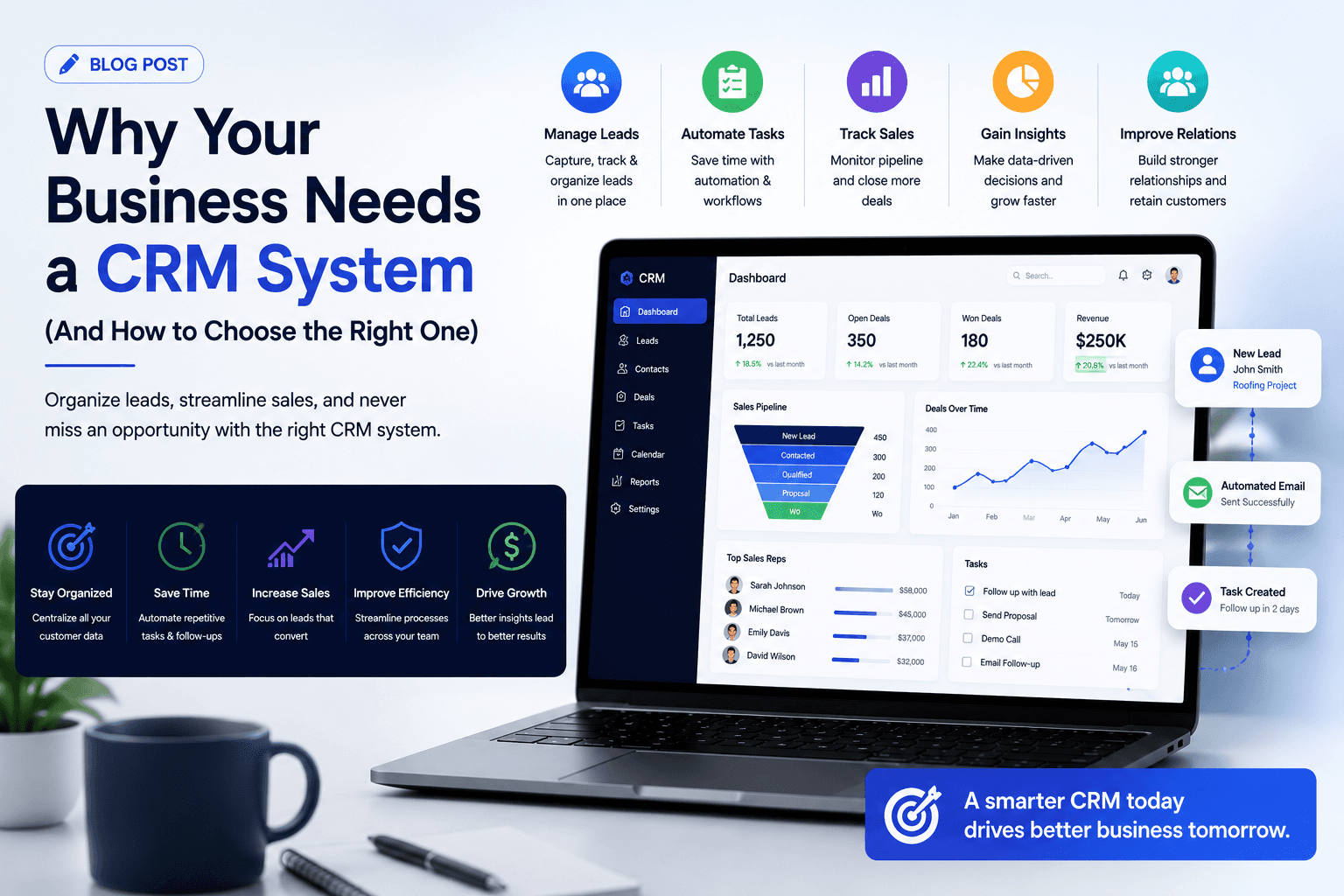
Learn how to choose a CRM step by step: map processes, set requirements, run scripted demos and trials, and score options. Includes a scoring matrix.
Spreadsheets and inboxes work well enough while a business is small. Then the team grows, leads slip through the gaps, nobody can say what is in the pipeline, and customer history leaves with whoever handled the account. That is usually when people start searching for a CRM, and find dozens of products that all claim to do everything. Knowing how to choose a CRM comes down to understanding your own processes first, then testing a small shortlist against them with real scenarios and real data. This guide covers the signs that you need a CRM, a step-by-step selection process, a scoring matrix you can reuse, and the mistakes that lead to expensive switches a year later.
 Signs your business needs a CRM
- Leads arrive from several channels and some are never followed up
- Sales forecasts are built by asking each rep and adding up their answers
- Customer history sits in individual inboxes and spreadsheets
- Managers cannot see what each person is working on without asking
- Handovers between sales, onboarding, finance and support lose information
- The same customer data is typed into several tools
If several of these sound familiar, a CRM will likely pay for itself in recovered time and fewer lost opportunities, though the value depends on how well it is chosen and adopted.
How to choose a CRM: a step-by-step process
1. Map your processes and goals
Before looking at any product, write down how leads arrive, how deals progress, who is involved at each stage and what happens after a sale. Then list the outcomes you want: faster follow-up, reliable forecasts, fewer manual handovers. These become your evaluation criteria.
2. Write requirements in priority order
Sort requirements into must-have, should-have and nice-to-have. Typical must-haves include pipeline management, email integration, mobile access, reporting and integration with your accounting system. Keep the list short enough that every item can be tested.
3. Map the systems it must connect to
List the tools the CRM must work with: email and calendar, accounting or ERP, marketing, telephony, support and your website forms. Check whether each connection is native, available through an integration platform or would need custom development.
4. Consider the total cost
Include licences for the edition you actually need, add-ons, implementation, data migration, training and ongoing administration. A product with a low entry price can become expensive once required features sit in higher editions.
5. Shortlist three or four options
Use your must-haves to narrow the field. Vendor comparison pages can help you understand feature differences, such as Zoho's own CRM comparison page, but remember they are written by the vendor and check claims against your own tests.
6. Run scripted demos
Give each vendor the same scenarios based on your processes, such as "a web lead arrives, is assigned, qualified, converted and quoted", and ask them to show exactly that rather than a general tour.
7. Trial with real data and real users
Import a sample of your own records and ask a few users to work in the trial for a week or two. Usability problems that never appear in a demo show up quickly in daily use.
Worked example: a CRM scoring matrix
A weighted matrix makes the decision transparent. The weights reflect one hypothetical company's priorities and the scores are placeholders; replace both with your own.
CriterionWeightCRM A (1 to 5)CRM B (1 to 5)CRM C (1 to 5)Fit with sales process25%434Ease of use in trial20%354Integration with our systems20%533Reporting and forecasting10%443Customisation and automation10%534Total cost over three years10%434Vendor support and partner availability5%443Weighted total100%4.103.553.65
To calculate the weighted total, multiply each score by its weight and add them up. For CRM A: 0.25 × 4 + 0.20 × 3 + 0.20 × 5 + 0.10 × 4 + 0.10 × 5 + 0.10 × 4 + 0.05 × 4 = 4.10. Agree the weights with stakeholders before scoring, so the matrix reflects priorities rather than favourites.
Questions to ask every vendor
- Which edition do we need for our must-have features, and what does it include?
- What are the API and storage limits, and what happens when we exceed them?
- How do we export all our data if we leave?
- Where is our data hosted, and what security certifications apply?
- What support is included, and what does extra support cost?
- Which partners are available in our region for implementation?
Off-the-shelf, customised or custom-built?
Most businesses are best served by an established CRM platform configured to their processes. Platforms such as Zoho CRM, Salesforce, HubSpot and Odoo offer different balances of cost, flexibility and ease of use. A fully custom-built CRM only makes sense when your processes are genuinely unusual and no platform fits without heavy workarounds. In between, most platforms can be extended with custom modules, functions and integrations.
Common mistakes when choosing a CRM
- Choosing on the demo instead of on a trial with your own data
- Letting one department choose for everyone without input from the others
- Ignoring integration needs until after purchase
- Buying the cheapest edition, then discovering key features are missing
- Underestimating data migration and training
- Configuring every possible feature before the basics are adopted
After you choose
Selection is only the start. A clear pipeline design, clean data and a phased rollout decide whether the CRM is used. Our guide to designing a B2B sales pipeline covers the first, and our guide to Zoho CRM implementation cost explains how to budget for the rollout.
Involving the right people
Include at least one person from each team that will use the CRM in the selection group: sales, marketing, service, finance and whoever will administer the system. Give each of them a role in the trial. People who helped choose a system are far more likely to champion it, and they spot problems in their own area that a central project team would miss.
Frequently Asked Questions
How do I choose the right CRM for a small business?
Start with your must-have processes and integrations, shortlist a few options that cover them within budget, and trial each with your own data and users before deciding.
What features should a CRM have?
At minimum: contact and account management, pipeline tracking, email integration, tasks and reminders, reporting and mobile access. Beyond that, choose features based on your processes.
How long does it take to choose a CRM?
It depends on the size of the business and the number of stakeholders. A focused process with clear requirements, scripted demos and short trials keeps the decision moving.
Should we hire a consultant to help choose a CRM?
It can help when processes are complex or several systems must be integrated. Choose an adviser who explains trade-offs between platforms rather than recommending one by default.
Get help choosing and implementing your CRM
We help businesses evaluate CRM options and implement the right one, with a focus on Zoho CRM and experience across other major platforms. See our Zoho CRM implementation services, or talk to us about your CRM decision.
Related resources
- AI automation solutions: Automate repetitive work with AI, starting small.
- Zoho CRM Bulk API: Choose the Right Option
About the Author
Manav Sharma is the founder of Insyrge and a CRM solutions architect. He works across Zoho, Salesforce, HubSpot, Odoo and more, designing the CRM setups, integrations and automations that keep sales and operations teams working from the same data.
Need Help Implementing This in Your Business?
Our certified Zoho consultants and automation experts can help you design and deploy custom workflows tailored to your operations.
Book Free Consultation