


Zoho CRM Scheduler vs External Queue: When to Move
Signs a scheduled Deluge job has outgrown the CRM, what an external queue changes, what it costs and how to move work safely.
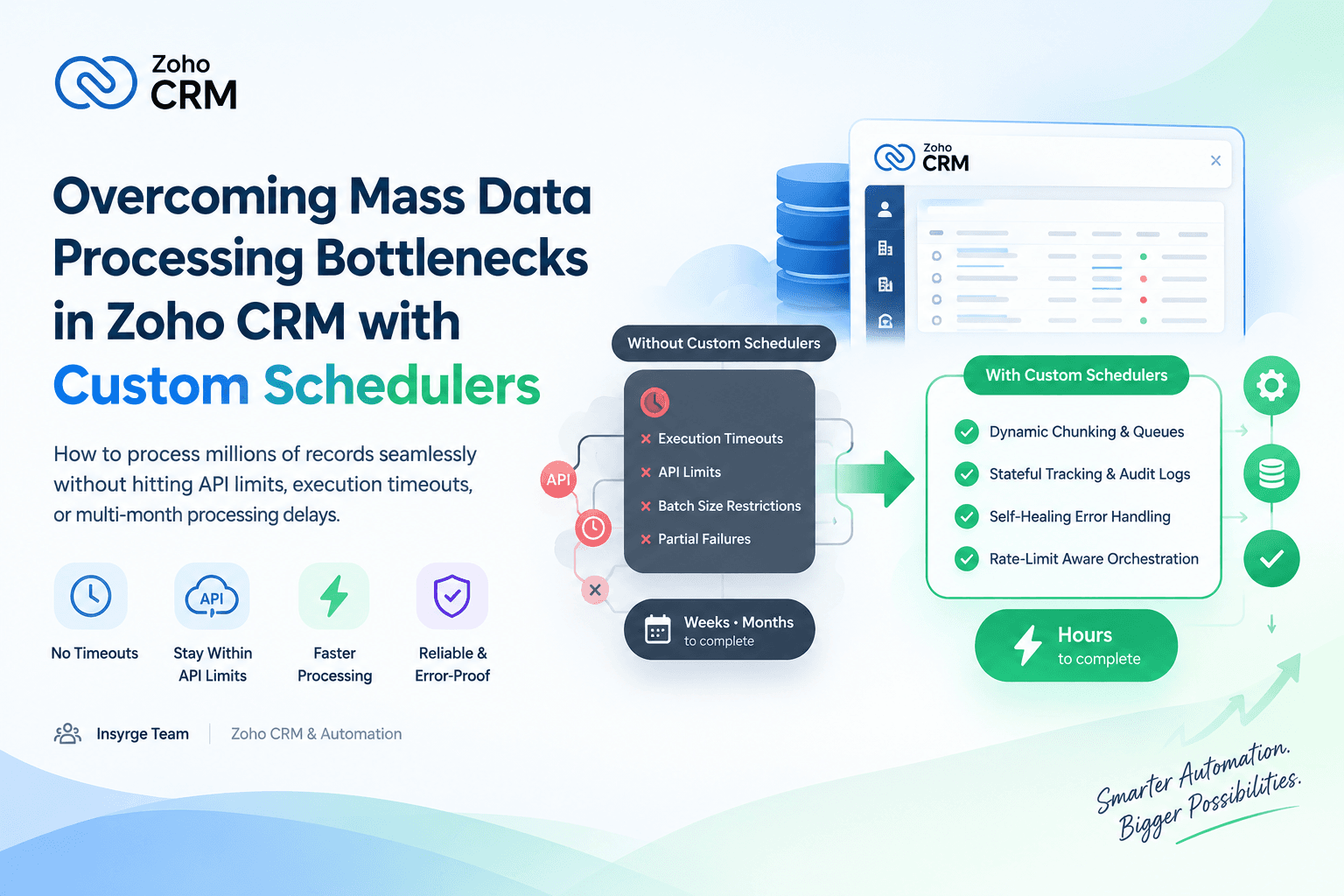
Compare the Zoho CRM scheduler with an external queue: signs a job has outgrown CRM schedules, what a queue adds and costs, and a staged plan to move it.
Most scheduled work in Zoho CRM should stay in Zoho CRM. A Deluge function on a schedule needs no servers, sits next to the data and is easy for a CRM admin to change. But some jobs grow until the Zoho CRM scheduler is the wrong tool: work is left over at the end of every night, schedules are added just to get more runs, and failures are handled by re-running whole batches. At that point the slow part of the job usually belongs in an external queue, with the CRM handing over record IDs and separate workers doing the rest. This guide covers the signs, what a queue changes, what it costs and how to move a job in stages, with a hypothetical example.

What the Zoho CRM scheduler does well
A schedule runs a Deluge function at a set time or frequency, with connections handling authentication and the code living where admins already work. It is the right home for nightly recalculations, housekeeping, renewal alerts and modest syncs.
Its boundaries are fixed per run and per org. Zoho's Functions limits and quotas page sets a run time limit for schedule functions and a ceiling of 200,000 lines of execution, and every org has a capped number of active schedules. Within those boundaries a schedule is hard to beat for cost and simplicity.
Signs a scheduled job has outgrown the CRM
Judge from a few weeks of run logs, not one bad night.
- The backlog grows. Records are still waiting when the last run of the night finishes, and the number rises week by week.
- Schedules are added only to get more runs. Each one takes a slot from the org's limit, and other jobs start competing for slots.
- Most of each run is spent waiting on another system. The function is mainly a slow loop of outbound calls.
- Failures need retries within minutes, for a single item, rather than on the next run for the whole batch.
- Overlap is dangerous. Two runs touching the same record at once would cause double charges, duplicate emails or conflicting updates.
- The work needs tools Deluge does not offer, such as heavy file processing or specialist libraries.
- People need a history for each item, including how many times it was tried and why it failed, plus a way to replay it.
One sign on its own can usually be fixed inside the CRM: a bulk endpoint on the other system, fewer fields per record, smarter selection criteria or Zoho's bulk APIs. Two or more signs that persist after those fixes suggest the work should move.
What an external queue changes
In a queue-based design, a producer puts small messages on a queue, each naming one piece of work, such as a record ID and a job type. Workers take messages, do the work and acknowledge each message only when it is finished. If a worker crashes part way, the unacknowledged message is delivered again. Failed items can be put back with a delay, and items that fail too often go to a dead-letter queue for a person to examine. The number of workers sets how much happens at once.
This gives you three things a schedule cannot: work that flows continuously instead of in fixed windows, retries per item on a timescale of minutes, and pacing you control. Our guide to the webhook queue explains the same pattern for incoming events.
A queue does not raise Zoho CRM's limits. Workers still spend the same API credits and share the concurrency limit, which Zoho's API limits page sets at 20 simultaneous calls per org per app on Enterprise. What changes is that the pace is set by you rather than by a run's time limit.
What the move costs
AreaZoho CRM scheduleExternal queue and workersHostingIncluded in the CRMA queue service plus somewhere to run workersAuthenticationConnections managed in the CRMAn OAuth client and token storage you secureMonitoringRun log and the Schedules failure listQueue depth, worker health and dead lettersChangesEdit the function in the CRMCode reviews, deployments and versionsWho can fix itAn admin who knows DelugeA developer
Workers can run on Zoho Catalyst, serverless functions or a small server; our comparison of Zoho Catalyst or Deluge covers where code should run. Someone must own it after launch.
Worked example: shipment tracking updates
This example is hypothetical. A distributor keeps a Shipments module in Zoho CRM, and each night a schedule asks three carriers for the status of every open shipment. Assume about 3,000 open shipments and carrier replies that take around 2 seconds on average.
The arithmetic rules out the schedule. 3,000 requests at 2 seconds each is about 100 minutes of waiting per night. At a safe 5 minutes per run that is 20 runs; even at the full 15 minutes it is 7. Every carrier timeout means the record waits a whole day for its next try.
The queue version splits the job:
- Producer: one nightly CRM schedule selects open shipments and posts their IDs, 200 per request, to a small HTTPS endpoint that puts one message per shipment on the queue. That is 15 calls, finished in seconds.
- Workers: one per carrier, each respecting that carrier's request limit. With the load split three ways, each worker handles about 1,000 shipments, roughly 33 minutes of waiting, in parallel and outside CRM run time.
- Write-back: workers collect results and update the CRM 100 records at a time. At 1 credit per 10 records, 3,000 updates cost about 300 credits a night.
- Retries: a carrier timeout is retried after 1, 5, 30 and 30 minutes; after the fifth failed attempt the message goes to the dead-letter queue and the shipment is marked Needs review.
- Safety sweep: a light morning schedule counts shipments not updated in 24 hours and alerts if any are found.
The worker's main loop is shown below as a simplified, untested sketch, not production code:
# Simplified, untested sketch
MAX_ATTEMPTS = 5
DELAYS = [60, 300, 1800, 1800]   # seconds before attempts 2 to 5
held = []                        # (message, CRM update) pairs not yet written

def handle(msg):
    job = msg.body               # {"id": ..., "tracking_no": ..., "attempt": 1}
    try:
        status = carrier.get_status(job["tracking_no"], timeout=10)
    except Retryable:            # timeout, 429 or 5xx from the carrier
        if job["attempt"] >= MAX_ATTEMPTS:
            queue.dead_letter(msg)
        else:
            job["attempt"] += 1
            queue.send(job, delay=DELAYS[job["attempt"] - 2])
            queue.ack(msg)
        return
    except NotFound:
        status = "Needs review"
    held.append((msg, {"id": job["id"], "Tracking_Status": status}))
    if len(held) == 100:
        flush()

def flush():
    results = crm.update_records("Shipments", [rec for _, rec in held])
    for (msg, _), result in zip(held, results):
        if result["status"] == "success":
            queue.ack(msg)       # the message is finished only after the CRM write
    held.clear()
The carrier, queue and CRM clients are placeholders. Messages are acknowledged only after the CRM write that includes them succeeds, so a crash never loses an update; anything unacknowledged is delivered again. A full version also flushes a partial batch every minute, and a separate consumer reads the dead-letter queue and marks those shipments Needs review in the CRM.
Moving a job in stages
- Make the work idempotent. Queues may deliver a message more than once, so processing a shipment twice must give the same result. Updating by record ID or upserting on an external key does this.
- Build the producer and one worker, and test them in a sandbox with realistic volumes.
- Run in parallel. Move one carrier to the queue while the schedule still handles the others, and compare results for a week.
- Switch the rest, disable the heavy schedules and free their slots for other jobs.
- Keep the light safety sweep, so the CRM still checks that the work happened.
When to stay with the scheduler
Stay with the schedule if tuning brings the job inside a few runs, if the volume is stable, or if nobody can own servers and deployments. A queue fixes pacing and retries, but adds a system to run.
Frequently Asked Questions
When should a scheduled job move out of Zoho CRM?
When two or more signs persist after tuning: a growing backlog, schedules added only for extra runs, runs spent waiting on other systems, or a need for quick per-item retries.
Does an external queue get around Zoho CRM API limits?
No. Workers still use the same API credits and concurrency limits. A queue controls the pace of calls; it does not add capacity.
What should the CRM send to the queue?
Record IDs and a job type, not full records. Workers read current data when they process each message, so they never act on stale values.
Can a CRM schedule and a queue work together?
Yes. A schedule can act as the producer that sends IDs to the queue, and a light schedule can check each morning that every record was processed.
Plan the move with us
We help teams decide which scheduled jobs belong in Zoho CRM and build queues and workers for those that do not. See our CRM API integration services, or talk to us about your scheduled jobs.
Related resources
- Zoho CRM automation and workflow engineering: Automate Zoho CRM workflows that keep running.
About the Author
Manav Sharma is the founder of Insyrge and a CRM solutions architect. He works across Zoho, Salesforce, HubSpot, Odoo and more, designing the CRM setups, integrations and automations that keep sales and operations teams working from the same data.
Need Help Implementing This in Your Business?
Our certified Zoho consultants and automation experts can help you design and deploy custom workflows tailored to your operations.
Book Free Consultation