


LLM Lead Scoring: Use Language Models Safely
Where language models help with lead qualification, how to get structured output, control cost and limits, and check results.
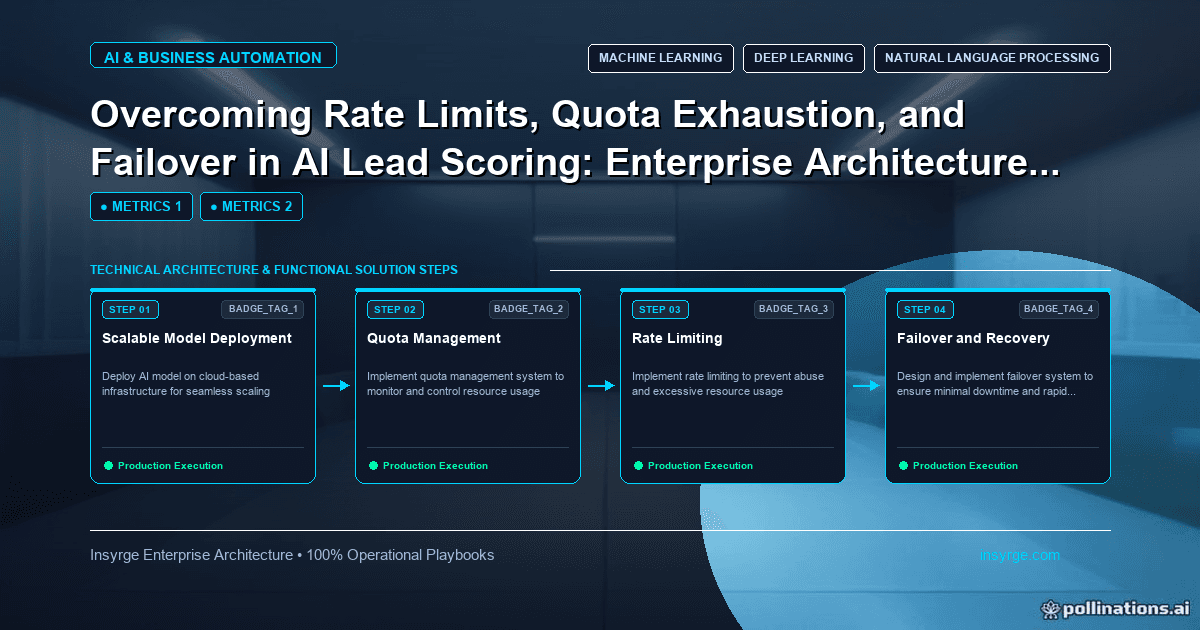
Apply LLM lead scoring with care: structured output against a schema, fixed categories, rate limit handling, cost caps and regular checks against outcomes.
Large language models can read a free-text enquiry, a job title or a company description and judge things that are hard to express as rules: whether the request describes a real project, whether the role is likely to buy, whether the company fits your market. That makes LLM lead scoring attractive. It also brings new risks: inconsistent answers, invented details, unpredictable cost and API limits that can stall your pipeline. This guide explains where language models genuinely help with lead qualification, how to get structured and checkable output, how to manage rate limits and cost, and how to keep the results honest.
 Where LLM lead scoring helps
Language models are strongest with unstructured text, where traditional scoring has little to work with:
- Classifying free-text form messages, such as "just researching" versus "need a quote for 40 users by March"
- Mapping messy job titles to standard roles and seniority levels
- Judging industry or business model from a company's own description
- Summarising a lead's recent activity for the rep who picks it up
- Flagging obvious junk, such as spam or job applications sent through a sales form
They are weaker at things that need hard data or history, such as predicting conversion from past deals. For that, a statistical model trained on outcomes is usually a better fit, as our guide to AI lead scoring explains.
Use the model to classify, not to invent a score
The safest pattern is to ask the model for categories, not a free-floating number. A request such as "rate this lead from 1 to 100" tends to give inconsistent results that are hard to explain. Instead:
- Ask the model to choose from fixed categories, such as intent: high, medium, low, not a buyer
- Ask for the evidence it used, quoted from the input
- Combine those categories with your existing rules to produce the final score
This keeps the score explainable. A rep can see that a lead was marked high intent because the message mentioned a deadline and a number of users.
Get structured output
Free-text responses are hard to process reliably. Most major model providers now support structured output. OpenAI's documentation on structured outputs, for example, describes a feature that makes responses adhere to a JSON schema you define. Even with that feature, validate every response in your own code before writing anything to the CRM.
Worked example: an LLM lead scoring output schema
The simplified, untested schema below shows the kind of structure a qualification step might return. Field names and categories are placeholders to adapt to your own criteria.
{
  "type": "object",
  "properties": {
    "intent": {"type": "string", "enum": ["high", "medium", "low", "not_a_buyer"]},
    "role_level": {"type": "string", "enum": ["executive", "manager", "individual", "unknown"]},
    "industry_fit": {"type": "string", "enum": ["target", "adjacent", "outside", "unknown"]},
    "evidence": {"type": "array", "items": {"type": "string"}, "maxItems": 3},
    "needs_review": {"type": "boolean"}
  },
  "required": ["intent", "role_level", "industry_fit", "evidence", "needs_review"],
  "additionalProperties": false
}
Your code then maps each category to points, for example a hypothetical +30 for high intent and -40 for not a buyer, and adds them to the existing fit and activity score. The "unknown" options matter: they give the model a way to say it cannot tell, instead of guessing.
Handle rate limits and failures
Model APIs have limits. OpenAI's rate limits guide explains that limits are measured in metrics such as requests per minute and tokens per minute, are set at the organisation and project level, and that a request exceeding a temporary limit returns a 429 error, which may include a Retry-After header. Plan for this:
- Send leads through a queue rather than calling the model directly from a form submission
- Pace workers to stay under your request and token limits
- Retry 429 responses after the indicated wait, with increasing delays for repeats
- Keep inputs short: send the fields the model needs, not the whole record
- If the model is unavailable, score the lead with your rules alone and mark the LLM step as pending
Our guide to handling OCR API rate limits covers queueing, backoff and failover patterns that apply equally to language model APIs.
Control cost
Every call costs money, and costs grow with volume and input length. Ways to keep them predictable:
- Only call the model when there is text worth reading, such as a non-empty message field
- Cache results for identical inputs, such as the same company description, so repeat leads do not trigger repeat calls. Our guide to LLM semantic caching explains how to cache similar, not just identical, requests.
- Use a smaller, cheaper model for simple classification and keep larger models for harder cases
- Set a daily budget and alert when spending approaches it
Protect personal data
Lead records contain personal data. Before sending it to any model provider:
- Check the provider's data use and retention terms, and your own privacy notice
- Send only the fields needed for the task
- Avoid sending sensitive data, such as notes about individuals, that the classification does not need
- Record which provider and model processed the data
If you operate in the EU or UK, involve whoever handles data protection in your organisation. This guide is not legal advice.
Design the prompt for consistency
Consistency matters more than cleverness. A few habits help:
- Describe each category in plain words, with one or two short examples of inputs that belong in it
- Tell the model to use "unknown" whenever the input does not contain enough information
- Keep instructions about your business, such as target industries and roles, in one maintained section rather than scattered through the prompt
- Ask for evidence quoted from the input, so a reviewer can check the reasoning quickly
Test the prompt on a fixed set of past leads before launch, including awkward cases such as very short messages, messages in other languages and obvious spam. Record the results so that later prompt changes can be compared against the same set.
Check results against reality
Language models can be confidently wrong. Build checks into the process:
- Review a random sample of classifications each week, comparing the model's answer and evidence with the original input
- Track how often reps override or disagree with the intent category
- Compare conversion rates by intent category over time: high intent should convert better than low
- Re-test when you change the prompt, schema or model version, using a fixed set of past leads
Treat the prompt and schema like code: keep them in version control and record which version produced each classification.
Frequently Asked Questions
What is LLM lead scoring?
It uses a large language model to read unstructured lead information, such as form messages and job titles, and classify things like intent and role, which then feed into a lead score.
Can a language model replace a lead scoring model?
Usually not on its own. It is good at reading text, while conversion prediction relies on historical outcomes. Most teams combine LLM classifications with rules or a trained model.
How do you stop an LLM from making things up?
Ask for fixed categories with an "unknown" option, require quoted evidence, use structured output, validate every response and review samples regularly.
What happens when the model API hits its rate limit?
Leads should wait in a queue, retries should respect any Retry-After value, and the lead can be scored with rules alone until the classification completes.
Add language models to scoring carefully
We design LLM qualification steps with structured output, queues, cost controls and review processes, connected to your CRM. See our AI automation solutions, or talk to us about LLM lead scoring.
About the Author
Manav Sharma is the founder of Insyrge and a CRM solutions architect. He works across Zoho, Salesforce, HubSpot, Odoo and more, designing the CRM setups, integrations and automations that keep sales and operations teams working from the same data.
Need Help Implementing This in Your Business?
Our certified Zoho consultants and automation experts can help you design and deploy custom workflows tailored to your operations.
Book Free Consultation