


Real-Time Lead Scoring: Score Leads as They Act
How to trigger scoring from events, keep it fast, handle API limits and outages, and fall back safely when it fails.
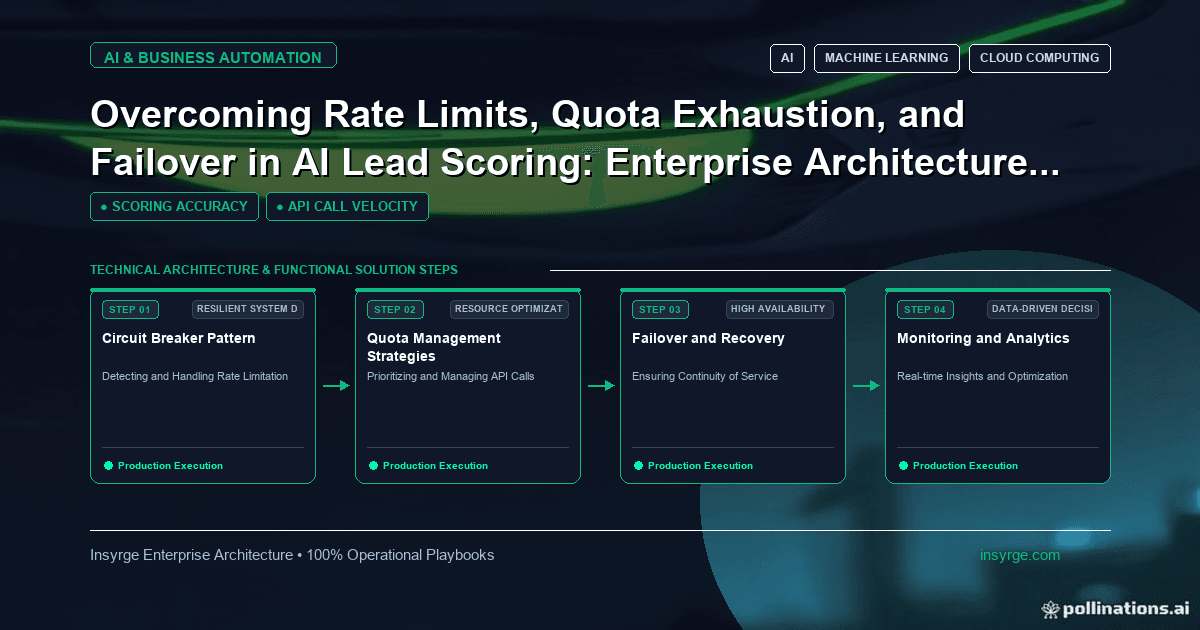
Build real-time lead scoring that updates on each key event, stays within API limits, queues work during outages and falls back to rules when needed.
A lead who requests a demo at 10:02 and receives a call at 10:10 has a very different experience from one who waits until the next morning's batch update. Real-time lead scoring recalculates a lead's score the moment a meaningful event happens, so routing and follow-up can act while interest is high. It also adds moving parts: event delivery, API calls, rate limits and failure handling. This guide explains how to trigger scoring from events, keep it fast, stay within API limits, survive outages and fall back safely when the scoring service is unavailable.
 When real-time lead scoring is worth it
Not every signal needs instant scoring. Real-time lead scoring pays off when:
- A score change triggers immediate action, such as routing to a rep or alerting a manager
- The triggering events are strong buying signals, such as demo requests, pricing enquiries or replies
- Your team can actually respond within minutes
If sales works through leads once a day, a nightly recalculation may be enough. Our guide to speed to lead explains why response time matters and how to measure it.
A common design is hybrid: strong signals trigger real-time scoring, while weaker activity and decay rules run in scheduled batches.
Event-driven scoring design
An event-driven scorer has four stages:
- Capture: the source system, such as a form, website tracker or email platform, emits an event with a lead identifier, event type and timestamp.
- Queue: the event lands in a queue rather than going straight to the scorer, so bursts and outages do not lose data.
- Score: a worker reads the event, loads the lead's current data, recalculates the score and records why it changed.
- Write back: the new score is written to the CRM, which triggers routing or alerts.
The queue is what makes the system dependable. Our guide to the webhook queue pattern covers how to accept events quickly and process them safely.
Keep scoring fast
Speed comes from doing less work per event:
- Keep the scoring logic simple enough to run in milliseconds
- Cache stable profile data, such as company size and industry, instead of fetching it on every event
- Only rescore on events that can change the score meaningfully
- Batch writes back to the CRM when several events for the same lead arrive close together
Measure the end-to-end delay, from the moment the lead acts to the moment the new score is visible in the CRM. That number, not the scoring time alone, is what sales experiences.
Stay within API rate limits
Most CRMs and marketing platforms limit how many API calls you can make. Real-time scoring increases calls, because every event may mean reading the lead and writing a score. When limits are hit, APIs commonly return HTTP 429 Too Many Requests, and MDN's documentation for the Retry-After header explains how servers can tell clients how long to wait.
Practical steps:
- Track your API usage against the documented limit for your plan
- Pace workers so calls stay below the limit with headroom
- Combine reads and writes where the API supports bulk or batch operations
- On a 429, pause and retry after the indicated time rather than retrying immediately
- Prioritise strong-signal events when capacity is tight
Survive outages without losing events
Failures will happen: the CRM may be slow, the scoring service may restart, or a deployment may go wrong. Design so that:
- Events stay in the queue until scoring and write-back succeed
- Retries use increasing delays and stop after a set number of attempts
- Events that keep failing move to a separate queue for review, with the error recorded
- Duplicate deliveries are recognised by event ID, so a retried event does not add points twice
Martin Fowler's description of the circuit breaker pattern is useful here: when a dependency keeps failing, stop calling it for a while and try again later, rather than piling up requests.
Fall back safely
When the real-time path is unavailable, sales still needs a sensible score. Options include:
- A simple rules-based score calculated inside the CRM, such as built-in scoring rules
- An "urgent" flag set directly by the form for demo requests, so those leads route regardless of score
- Queued events that catch up once the scorer recovers, with scores marked as provisional until then
Agree with sales what happens during an outage, and test the fallback so it works when needed.
Worked example: real-time lead scoring events and actions
The table below shows a hypothetical design for a B2B company. Point values, time targets and actions are illustrative.
EventReal-time or batchScore changeTarget time to CRMAction if threshold crossedDemo requestReal-time+40Under 2 minutesRoute to rep and alertPricing page visitReal-time+10Under 5 minutesAdd to rep's priority viewReply to sales emailReal-time+25Under 5 minutesNotify ownerWebinar attendedBatch (hourly)+10Within 1 hourAdd to nurture reviewNewsletter clickBatch (daily)+2Within 1 dayNone30 days of no activityBatch (daily)DecayWithin 1 dayRemove from priority view
In this design, only three event types use the real-time path, which keeps API usage predictable while still catching the moments that matter.
Monitor the real-time path
Track a few measures continuously:
- Queue depth and age of the oldest unprocessed event
- End-to-end delay from event to CRM update
- API error rates, including 429 responses
- Number of events moved to the failure queue
- Share of new leads that received a score
Alert on sudden changes, such as the oldest event exceeding your target time, so problems are fixed before sales notices stale scores.
It also helps to review a small sample of real-time score changes each week. Pick a handful of leads, trace each event from the source system to the CRM, and confirm that the points awarded and the action taken match the design. These spot checks catch mapping errors, such as an event type renamed in the source system, that monitoring numbers alone can miss. When the scoring rules change, run the same trace on a test lead before the change goes live, and keep a short log of each change so that unusual score movements can be explained later.
Frequently Asked Questions
What is real-time lead scoring?
It recalculates a lead's score as soon as a meaningful event happens, such as a demo request, so routing and follow-up can act within minutes instead of waiting for a batch run.
Do all scoring events need to be real-time?
No. Reserve the real-time path for strong buying signals that trigger action. Weaker signals and decay rules usually work well in scheduled batches.
How do we avoid hitting CRM API limits?
Pace workers below the documented limit, cache stable data, batch writes where possible, respect Retry-After on 429 responses and only rescore when an event can change the score.
What happens if the scoring service goes down?
Events should wait in a queue and catch up later, while a simple fallback, such as CRM rules or an urgent flag on demo requests, keeps important leads moving.
Score leads while they are still interested
We design event-driven scoring with queues, rate limit handling, fallbacks and monitoring, connected to your CRM. See our AI automation solutions, or talk to us about real-time scoring.
About the Author
Manav Sharma is the founder of Insyrge and a CRM solutions architect. He works across Zoho, Salesforce, HubSpot, Odoo and more, designing the CRM setups, integrations and automations that keep sales and operations teams working from the same data.
Need Help Implementing This in Your Business?
Our certified Zoho consultants and automation experts can help you design and deploy custom workflows tailored to your operations.
Book Free Consultation